1
5
Command Reference
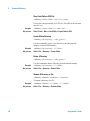
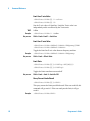
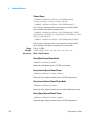
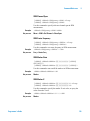
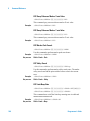
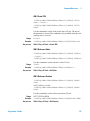
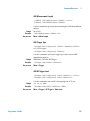
FM Y Reference Position
:DISPlay:AMA:VIEW:WINDow:TRACe:Y[:SCALe]:RPOSition TOP|CENTer|BOTTom
:DISPlay:AMA:VIEW:WINDow:TRACe:Y[:SCALe]:RPOSition?
Use this command to specify reference position of Y axis.
Range:
Example:
Key access:
TOP, CENTer, BOTTom
:DISPlay:AMA:VIEW:WINDow:TRACe:Y:RPOSition TOP
Shift > Disp > Y Scale > Ref Position
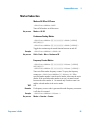
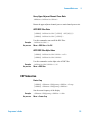
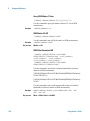
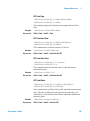
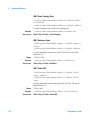
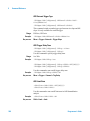
FM Y Scale Coupling State
:DISPlay:AMA:VIEW:WINDow:TRACe:Y[:SCALe]:COUPle
0|1|OFF|ON
:DISPlay:AMA:VIEW:WINDow:TRACe:Y[:SCALe]:COUPle?
Use this command to turn on/off scale coupling state of Y axis.
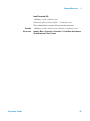
Example:
Key access:
:DISPlay:AMA:VIEW:WINDow:TRACe:Y:COUPle 1
Shift > Disp > Y Scale > Scale Coupling
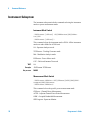
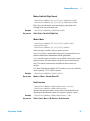
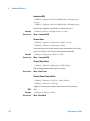
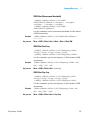
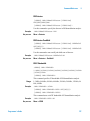
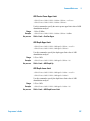
ASK Demodulation Subsection
Switch To ASK
:INSTrument:MEASure ASK
Use this command to switch to ASK demodulation analysis.
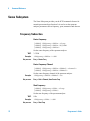
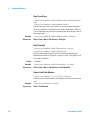
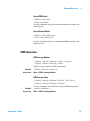
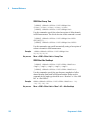
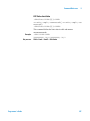
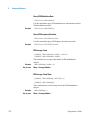
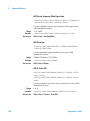
ASK Average Count State
[:SENSe]:DMA:AVERage OFF|ON|0|1
[:SENSe]:DMA:AVERage?
Use this command to turn on/of average operation.
Example:
Key access:
182
:DMA:AVERage 1
Meas > Average Number
Programmer’s Guide