1
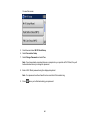
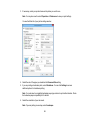
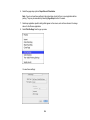
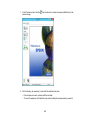
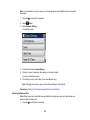
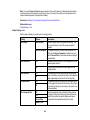
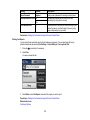
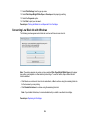
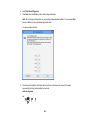
6. Select the page setup options: Paper Size and Orientation.
Note: If you do not see these settings in the print window, check for them in your application before
printing. They may be accessible by selecting Page Setup from the File menu.
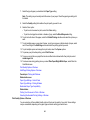
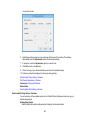
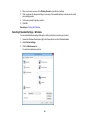
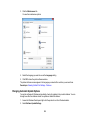
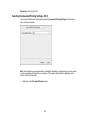
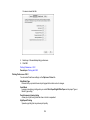
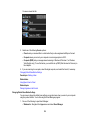
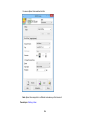
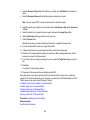
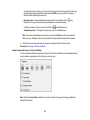
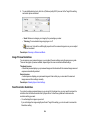
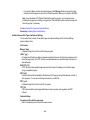
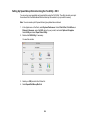
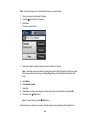
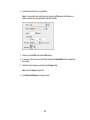
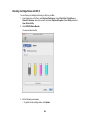
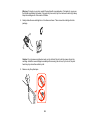
7. Select any application-specific settings that appear on the screen, such as those shown in the image
above for the Preview application.
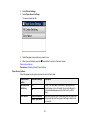
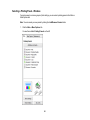
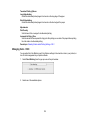
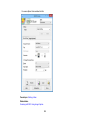
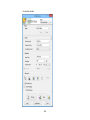
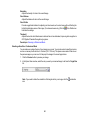
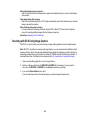
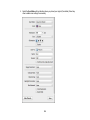
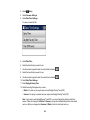
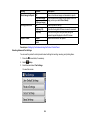
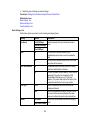
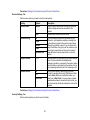
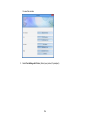
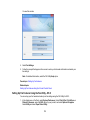
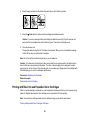
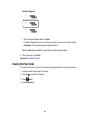
8. Select Print Settings from the pop-up menu.
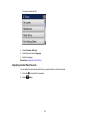
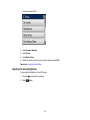
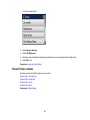
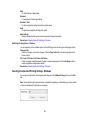
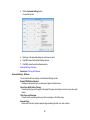
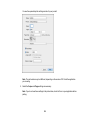
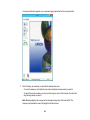
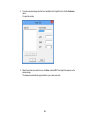
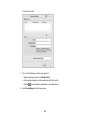
You see these settings:
106