1
Operator Manual
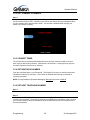
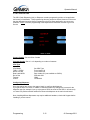
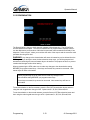
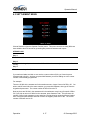
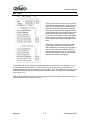
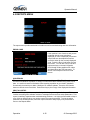
3.2.2 SET TERMINAL ID NUMBER
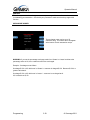
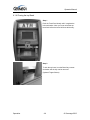
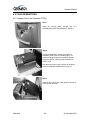
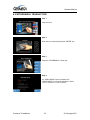
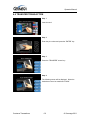
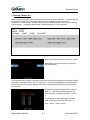
Step 1
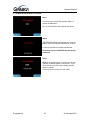
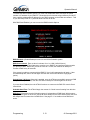
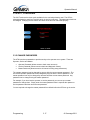
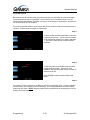
From the Host Setup Menu, go to Terminal ID. Terminal ID number is provided by the processor
and is individual for your ATM. It identifies your ATM on the network and any transactions done
on your machine will be linked to that number. This number is obtained either through your
dealer or processing company.
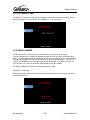
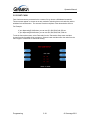
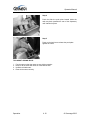
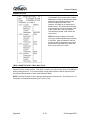
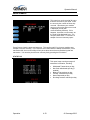
3.2.3 CONNECT TIMER
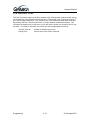
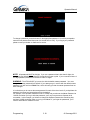
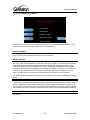
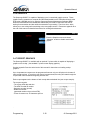
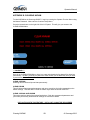
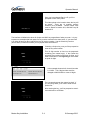
The connect timer is the setting which determines how long the machine will wait to connect
when trying to dial into the processor. Default time is 60 seconds. Lowering this may improve
connection speeds but at the risk of reliability.
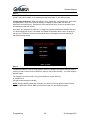
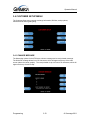
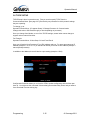
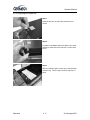
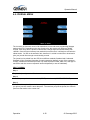
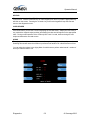
3.2.4 SET ROUTING ID NUMBER
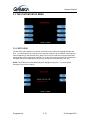
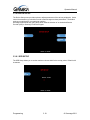
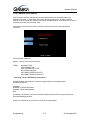
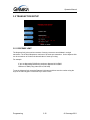
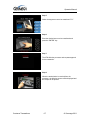
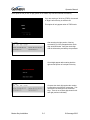
From the Host Setup Menu, go to Routing ID. The Routing ID is unique to each processor and
identifies the machine by processor. This number is obtained either through your dealer or
processing company.
NOTE: If using Standard 3 (Extended Messaging) Routing ID becomes COMS ID
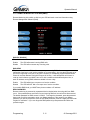
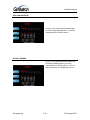
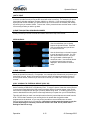
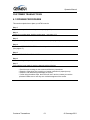
3.2.5 SET HOST TELEPHONE NUMBER
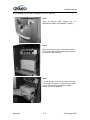
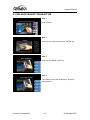
Step 1
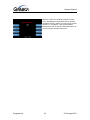
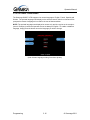
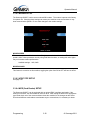
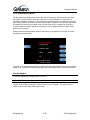
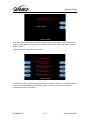
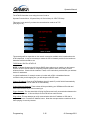
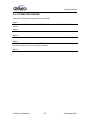
From the Host Setup Menu, go to Telephone Number.
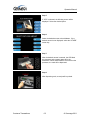
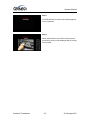
Step 2
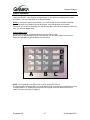
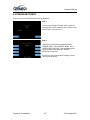
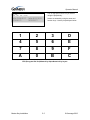
You can enter a Primary (Host Phone 1) and a Secondary (Host Phone 2) for the machine to
connect to the processor. These phone numbers are available from your dealer or the processor
(you can also reference the quick installation guide enclosed with this ATM for numbers for the
common processors).
Programming
3.8
© Genmega 2011