1
General System Configuration
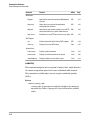
Configuring IP Settings
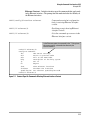
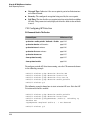
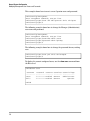
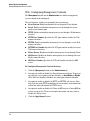
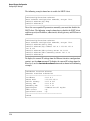
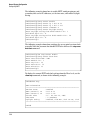
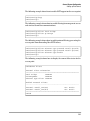
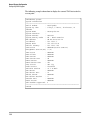
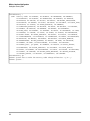
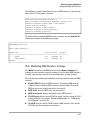
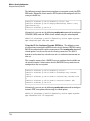
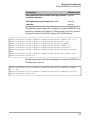
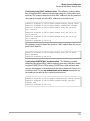
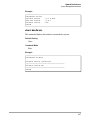
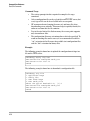
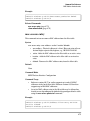
The following example shows how to enable the DHCP client.
HP420(config)#interface ethernet
Enter Ethernet configuration commands, one per line.
HP420(if-ethernet)#ip dhcp
HP420(if-ethernet)#
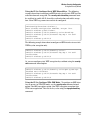
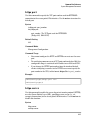
To set the access point’s IP parameters manually, you must first disable the
DHCP client. The following example shows how to disable the DHCP client
and then specify an IP address, subnet mask, default gateway, and DNS server
addresses.
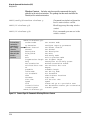
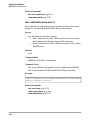
HP420(config)#interface ethernet
Enter Ethernet configuration commands, one per line.
HP420(if-ethernet)#no ip dhcp
HP420(if-ethernet)#ip address 10.1.0.1 255.255.255.0 10.1.0.254
HP420(if-ethernet)#dns primary-server 10.1.0.55
HP420(if-ethernet)#dns secondary-server 10.1.2.19
HP420(if-ethernet)#
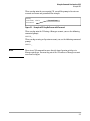
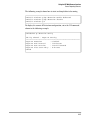
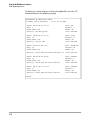
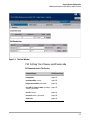
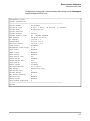
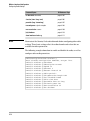
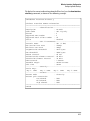
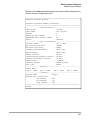
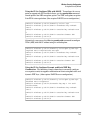
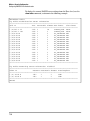
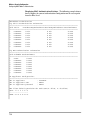
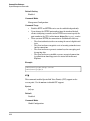
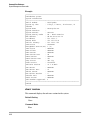
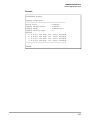
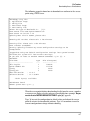
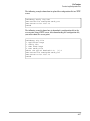
To display the current IP settings from the Ethernet interface configuration
context, use the show command. To display the current IP settings from the
Exec level, use the show interface ethernet command as shown in the following
example.
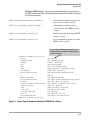
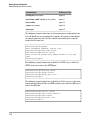
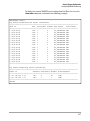
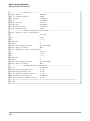
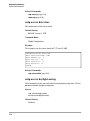
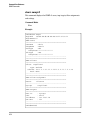
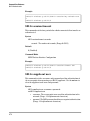
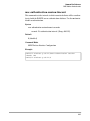
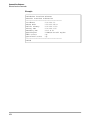
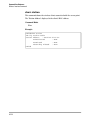
HP420#show interface ethernet
Ethernet Interface Information
========================================
IP Address
: 10.1.0.1
Subnet Mask
: 255.255.255.0
Default Gateway
: 10.1.0.254
Primary DNS
: 10.1.0.55
Secondary DNS
: 10.1.2.19
Speed-duplex
: 100Base-TX Full Duplex
Admin status
: Up
Operational status : Up
========================================
HP420#
5-18