1
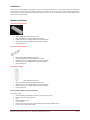
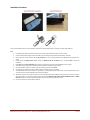
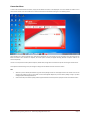
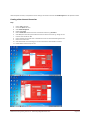
Under the Options subs menu, an important function of creating a new Internet connection in Profile Management can be implement as below
Creating a New Internet Connection
Step
1.
2.
3.
4.
5.
6.
7.
8.
9.
10.
11.
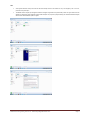
Click on Tools in Menu Bar
Choose the Options sub menu
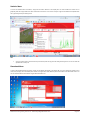
Select Profile Management
Click the button New
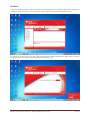
Rename Profile Name 1 to the name of the new Internet connection e.g. Airtel Net 2
Select APN option static and Input the APN name of the new internet connection e.g. web.ug.zain.com
Insert the access number as *99#
Click on the button save and then click on the Button OK in order to exit the Profile Management menu
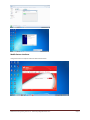
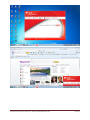
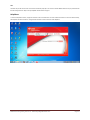
Return to Connection menu
Select the Pull down menu and change your current connection the new Airtel Net 2 connection
Click the Button Connect and you can use
Mobile Internet Dongle User guide Ver 1.0 – Authored by Akugizibwe Simon Peter
Page
14