1
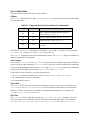
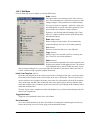
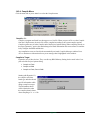
Stop Execution Tracing <Ctrl+Alt+T>
This command causes the target to stop sending trace information to Dynamic C. You can also do this
from within your program with the _TRACEOFF macro. The sample program Samples/Demo4.c
describes and uses this trace macro.
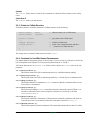
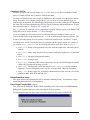
Start Execution Tracing <Shift+Ctrl+T>
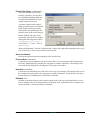
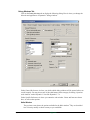
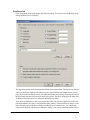
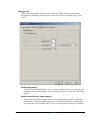
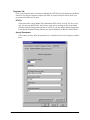
This command causes the target to send execution tracing information to Dynamic C based on the trace
options you choose in the Debugger tab of the Project Options dialog. You can also do this from within
your program with the _TRACE and _TRACEON macros. The sample program Samples/Demo4.c
describes and uses these trace macros.
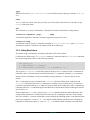
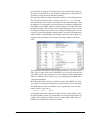
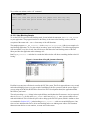
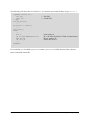
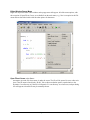
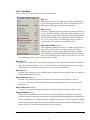
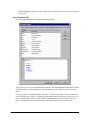
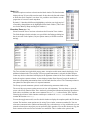
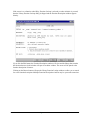
Trace entries received are displayed in the Trace window (see Stack Trace (Ctrl+T)). This menu command is only available if tracing is enabled in Project Options and Dynamic C is in run mode.
Note that turning on tracing causes a performance hit to your program because of the extra communication required between Dynamic C and the target. If your program requires precise timing, tracing
may interfere.
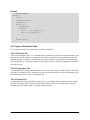
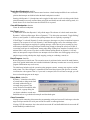
Goto execution point <Ctrl+E>
When stopped in debug mode, this option places the cursor at the statement or instruction that will execute next.
260
digi.com
Graphical User Interface