1
Diagnostics and Troubleshooting
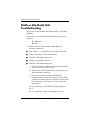
POST Messages
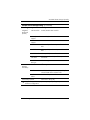
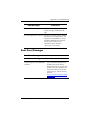
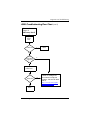
Press TAB to show POST screen
Procedures
Press the TAB key during POST to
display messages hidden by the HP
logo.
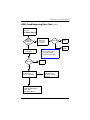
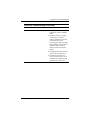
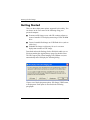
Error: Non-System disk or disk error The BIOS was unable to find a suitable
boot device. For the t5000 Series, this
may mean an uninitialized or corrupt
ATA Flash. Reflash the unit and press
any key when ready. For more
information, refer to Chapter 5,
“Restoring the Flash Image.”
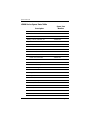
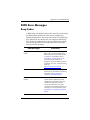
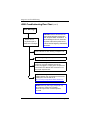
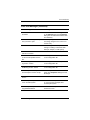
Boot Error Messages
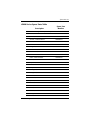
Boot Error Messages
Screen Messages
Corrective Action
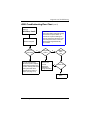
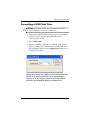
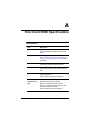
Bad Block Test Error Message: “The
internal diagnostics have detected a
problem.”
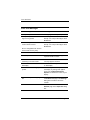
Too many bad flash memory blocks.
This is a hardware problem. If the
problem occurs every time the
terminal is turned on, call your local
HP Call Center for a diagnosis. For
the phone numbers of an HP Call
Center near you, visit the folowing
Web site:
http://www.hp.com/cgi-bin/hpsup
port/index.pl
Troubleshooting Guide
335795-006
4–7