1
Diagnostics and Troubleshooting
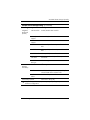
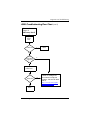
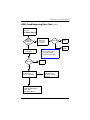
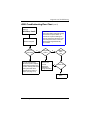
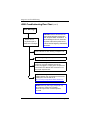
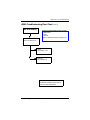
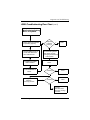
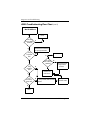
Power-On Troubleshooting (Continued)
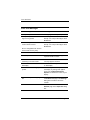
Issue
Procedures
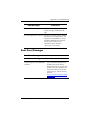
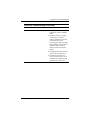
The thin client unit powers on and
displays a splash screen, but does
not connect to the server.
1. Verify that the network is
operating and the network
cable is working properly.
2. Verify that the unit is
communicating with the server
by having the System
Administrator ping the unit from
the server:
• If the thin client pings back,
then the signal was accepted
and the unit is working. This
indicates a configuration
issue.
• If the thin client does not ping
back and the thin client does
not connect to the server,
reimage the unit.
Troubleshooting Guide
335795-006
4–27