1
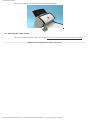
5.4 Replacing the Pick Roller
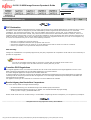
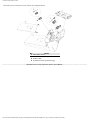
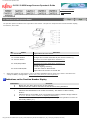
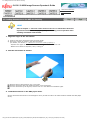
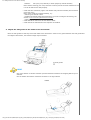
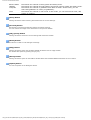
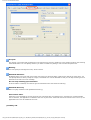
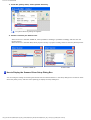
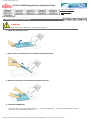
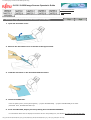
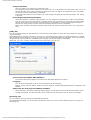
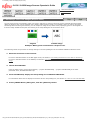
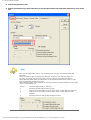
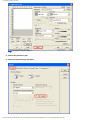
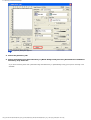
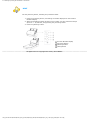
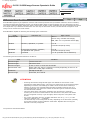
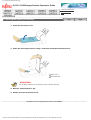
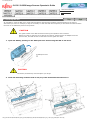
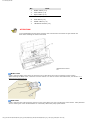
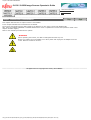
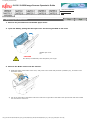
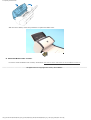
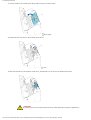
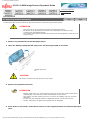
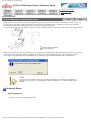
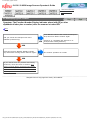
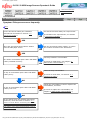
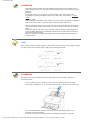
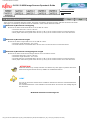
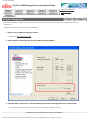
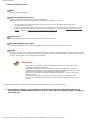
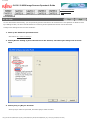
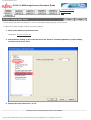
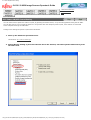
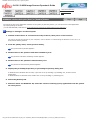
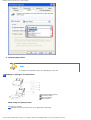
5. Remove the Pick roller from the shaft.
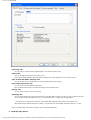
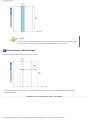
Remove the Pick roller from the shaft while lifting up the tab on the Pick roller.
Tab
Pick roller
Shaft
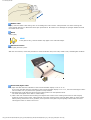
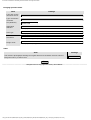
CAUTION
If you lift the pick roller tab with your fingernail, it may hurt your fingernail. Use a
paper clip to lift the pick roller tab if you cannot do it with your finger.
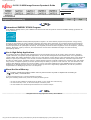
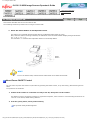
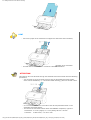
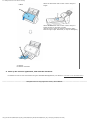
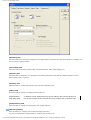
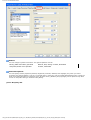
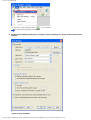
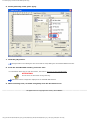
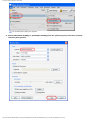
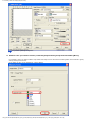
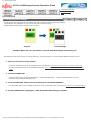
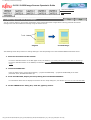
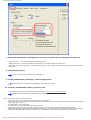
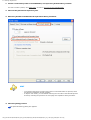
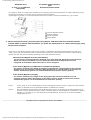
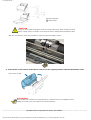
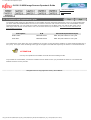
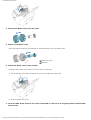
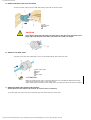
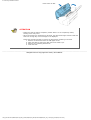
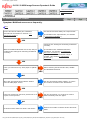
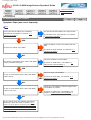
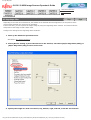
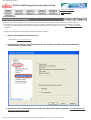
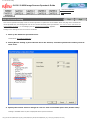
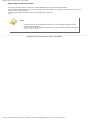
6. Attach a new Pick roller.
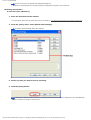
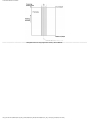
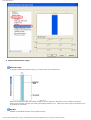
Insert the new Pick roller aligning the screw on the shaft with the slot in the Pick roller.
Pick roller shaft
Screw
Slot
Pick roller
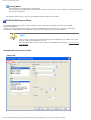
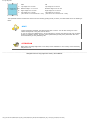
ATTENTION
Make sure that the Pick roller is correctly attached. The incompletely-attached Pick roller
might cause document jams or other feed errors.
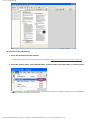
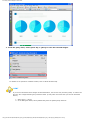
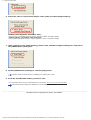
When attaching the Pick roller to the shaft, make sure that the roller’s tab clicks into place.
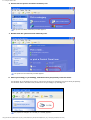
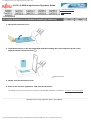
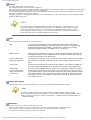
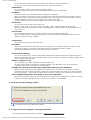
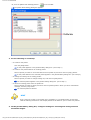
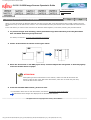
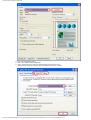
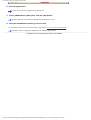
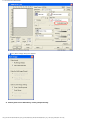
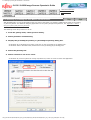
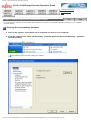
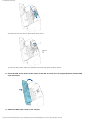
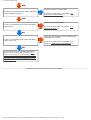
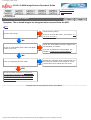
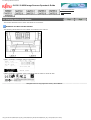
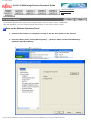
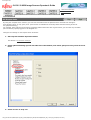
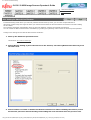
7. Attach the Pick roller shaft to the scanner.
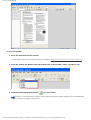
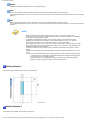
Attach the Pick roller shaft to the scanner in reverse order of removing.
1) Set the right side of the Pick roller into place first, then fix the left side of the roller.
file:////10.232.227.50/Manual/fi-6130_6230_Lynx3L/OG/R02/02_081030/contents/EN/05/c05_04_01.htm (3/5) [2008/10/30 15:15:39]