1
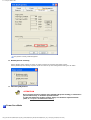
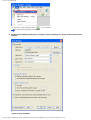
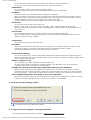
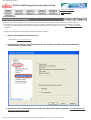
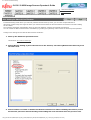
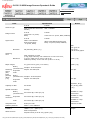
8.4 Multifeed Detection
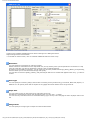
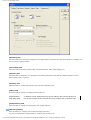
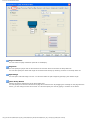
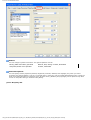
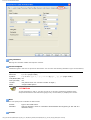
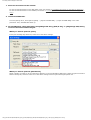
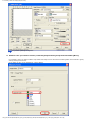
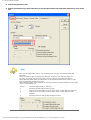
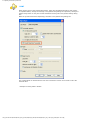
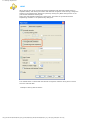
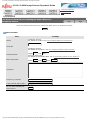
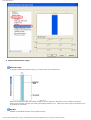
Enable
Enables the Multifeed Detection for the specified range.
Start
Specify the starting position of the detection range from the leading edge of the document.
The configurable area is from 0 to 510 mm in 2 mm increments, where the starting position is less than the ending
position.
End
Specify the ending position of the detection range from the leading edge of the document.
The configurable area is from 0 to 510 mm in 2 mm increments, where the starting position is less than the ending
position.
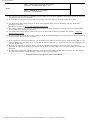
HINT
●
●
●
●
●
Once the starting and ending positions are set to "0", the whole range of the
document will be checked for multifeeds regardless of whether "Enable" or "Disable"
is selected under [Selected range].
To disable the Multifeed Detection for the whole range of the document, select
[Disable] and configure the settings so the starting position will be "0", and the
ending potion be equal to or not smaller than the "document length."
If the starting position is set larger than the document length; with [Disable], the the
whole range covering the entire document length will be checked; with [Enable], the
Multifeed Detection will be disabled.
To detect multifeeds, the detection range should be specified with at least 5 mm in
length.
Configure the settings so the ending position minus the starting position be 6 mm or
more.
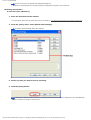
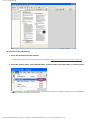
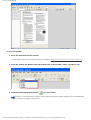
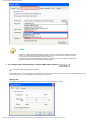
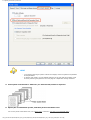
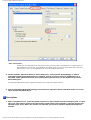
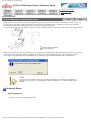
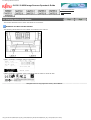
You can also specify the starting and ending positions in either of the following ways:
❍
Create a square or rectangle to indicate the detection range by dragging your
mouse pointer in the setting window.
❍
Drag the handle for the detection range to change the starting and ending
positions using the mouse pointer in the setting window.
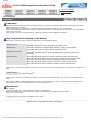
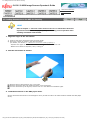
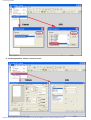
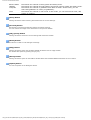
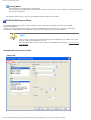
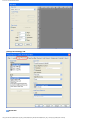
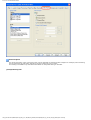
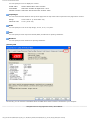
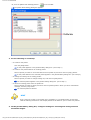
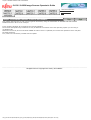
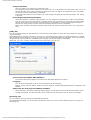
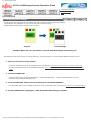
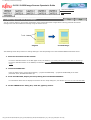
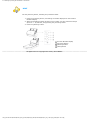
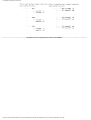
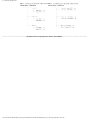
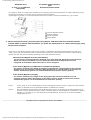
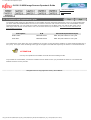
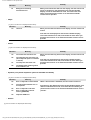
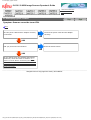
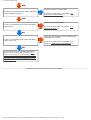
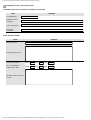
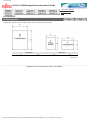
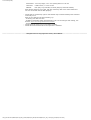
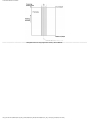
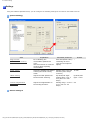
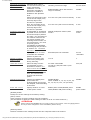
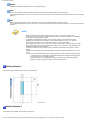
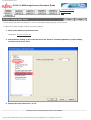
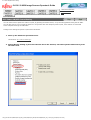
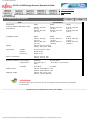
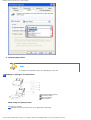
Setting Example 1
Selected range=Enable, Start=50mm, End=200mm
Unit: mm
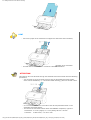
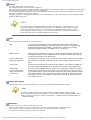
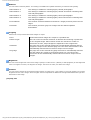
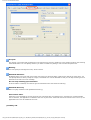
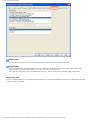
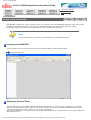
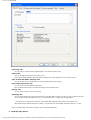
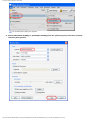
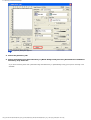
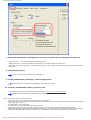
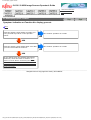
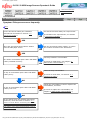
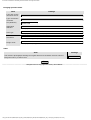
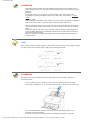
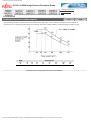
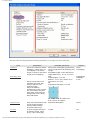
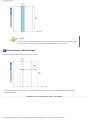
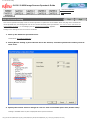
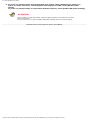
Setting Example 2
Selected range=Enable, Start=0mm, End=0mm
file:////10.232.227.50/Manual/fi-6130_6230_Lynx3L/OG/R02/02_081030/contents/EN/08/c08_04_01.htm (4/5) [2008/10/30 15:15:05]