1
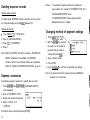
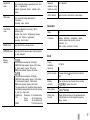
Deleting expense records
Notes:
l
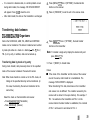
To summarize expense records for all payment
types, select “ALL” instead of “PAYMENT TYPE” from
Deleting single records
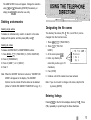
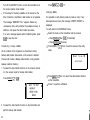
To delete single EXPENSE records, recall the record or select
it in the index display and press (DELI followed by Y.
Deleting all records
the EXPENSE REPORT menu.
. In EXPENSE REPORT, total expenses will be
displayed with up to 12 digits.
I
I
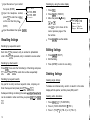
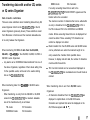
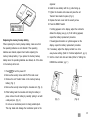
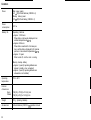
Changing method of payment settings
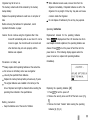
1. Press (MENU) (7j 1 (“FUNCTION”).
2. Press 3 (“DATA DELETION”).
1. Press (iZiQ m 1 Iv] 2.
3. Press a 1 (“EXPENSE”).
2. With the (ENTER] key, position
1
the cursor on the method of
4. Press Y.
payment that you which to
Note: When the SECRET function is turned on, “SECRET ON
I
MODE” will appear on the display. The SECRET
3. Type in desired name.
function must be turned off before data can be deleted.
4. Press (ENTER).
(Refer to “USING THE SECRET FUNCTION” on pg. 21.)
5. Press (6%) (CCEI to exit from the payment type setting.
pressed at a current item.
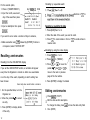
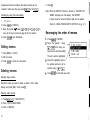
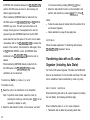
Summarizing expense reports for a specific date or period
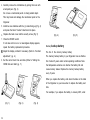
1. Press (EXPENSE) then (2ndl IEXPENSEJ; EXPENSE REPORT
menu displayed.
2. Press 2 (“PAYMENT TYPE”).
3. Specify the method of payment.
I
Note: You cannot return to the previous item once (ENTER] is
Expense summaries
pi
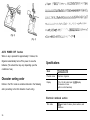
4. Press 1 (“DAILY”) or 2
(“PERIOD”).
5. Enter the date or period then press (ENTER].
18
change and press @.
i