1
Viewing IKE Traces for VPN Connections
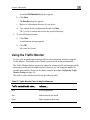
5.
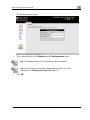
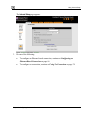
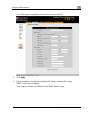
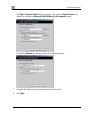
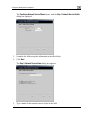
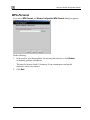
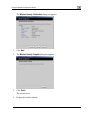
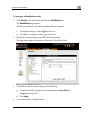
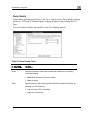
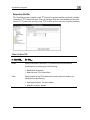
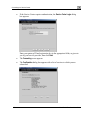
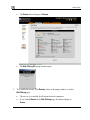
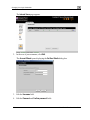
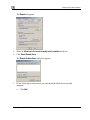
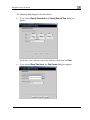
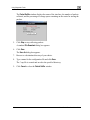
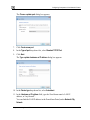
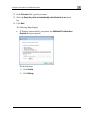
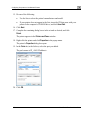
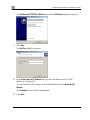
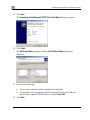
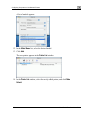
Browse to a destination directory of your choice.
6.
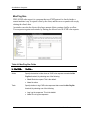
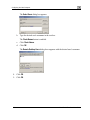
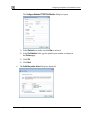
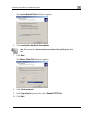
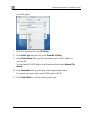
Type a name for the *.elg file and click Save.
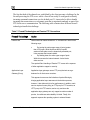
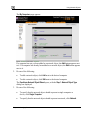
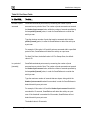
The *.elg file is created and saved to the specified directory. This file contains the IKE
traces of all currently-established VPN tunnels.
7.
Use the IKE View tool to open and view the *.elg file, or send the file to
technical support.
Chapter 14: Secure Remote Access
309