1
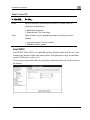
Installing a Certificate
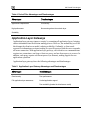
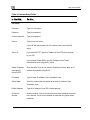
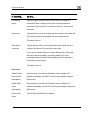
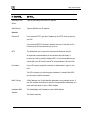
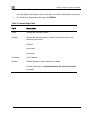
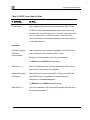
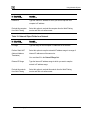
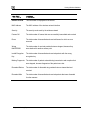
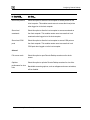
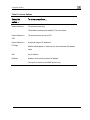
In this field…
Do this…
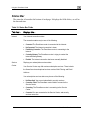
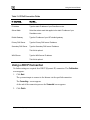
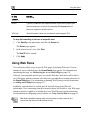
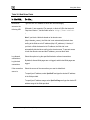
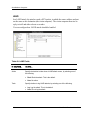
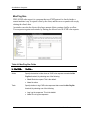
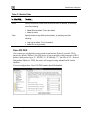
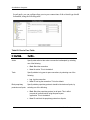
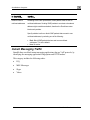
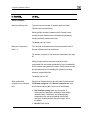
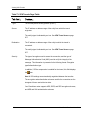
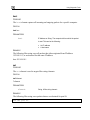
Valid Until
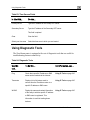
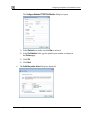
Use the drop-down lists to specify the month, day, and year when this
certificate should expire.
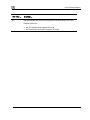
Note: You must renew the certificate when it expires.
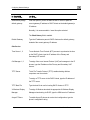
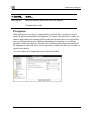
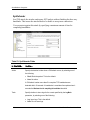
Importing a Certificate
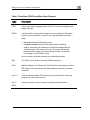
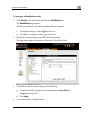
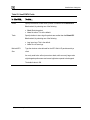
To install a certificate
1.
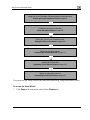
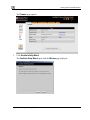
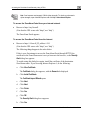
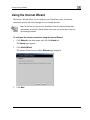
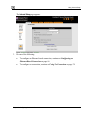
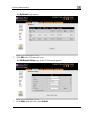
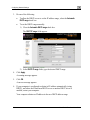
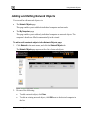
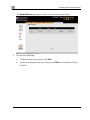
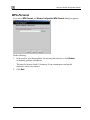
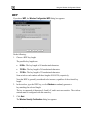
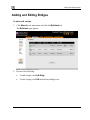
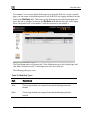
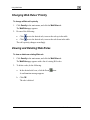
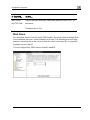
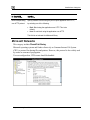
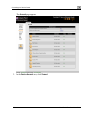
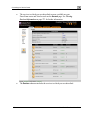
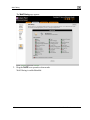
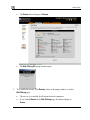
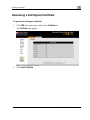
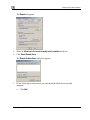
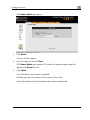
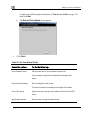
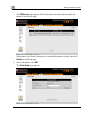
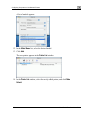
Click VPN in the main menu, and click the Certificate tab.
The Certificate page appears.
2.
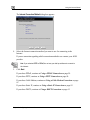
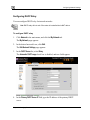
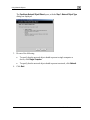
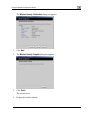
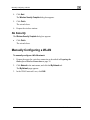
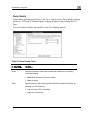
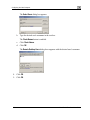
Click Install Certificate.
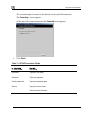
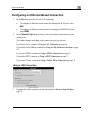
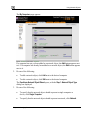
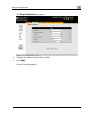
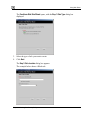
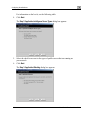
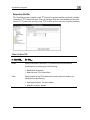
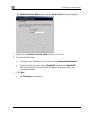
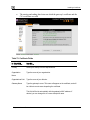
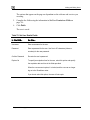
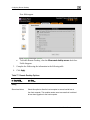
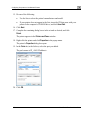
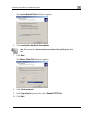
The ZoneAlarm Certificate Wizard opens, with the Certificate Wizard dialog box
displayed.
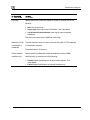
3.
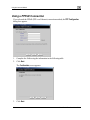
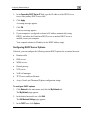
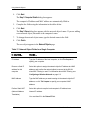
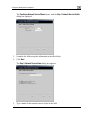
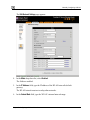
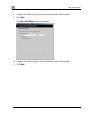
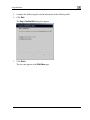
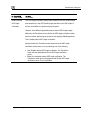
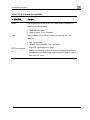
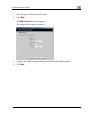
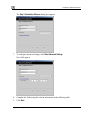
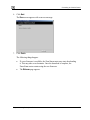
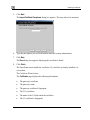
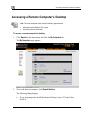
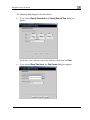
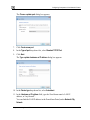
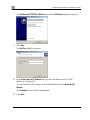
Click Import a security certificate in PKCS#12 format.
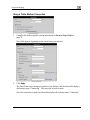
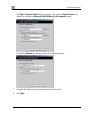
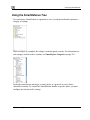
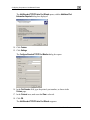
The Import Certificate dialog box appears.
4.
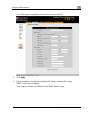
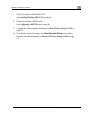
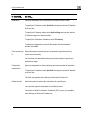
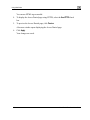
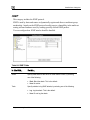
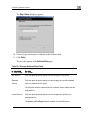
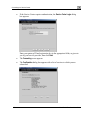
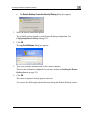
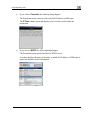
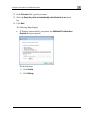
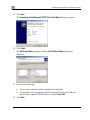
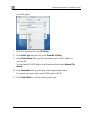
Click Browse to open a file browser from which to locate and select the file.
The filename that you selected is displayed.
302
Check Point ZoneAlarm User Guide