1
3
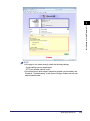
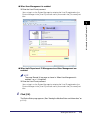
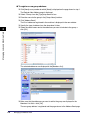
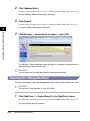
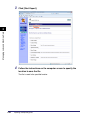
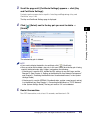
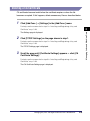
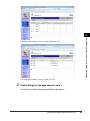
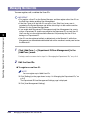
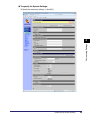
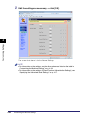
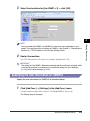
Select the [Enable Department ID Management] and/or [Enable
User Management] check box, and specify the necessary settings
➞ click [OK].
Specifying Department ID and User Management
3
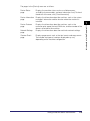
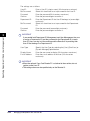
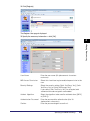
The settings are as follows:
Enable Department Select this check box to enable Department ID Management.
ID Management:
When it is enabled, the users must enter their Department ID and
password (when it is set) to log in to the machine and the
Remote UI.
IMPORTANT
Before selecting this check box, make sure that at least one Department ID is
registered.
Department ID
Management
Settings:
Click this button to register a Department ID. (See “Managing the
Department IDs,” on p. 3-6.)
Enable User
Management:
Select this check box to enable User Management. When it is
enabled, the users must enter their User ID and password (when
it is set) to log in to the machine and the Remote UI.
IMPORTANT
Before selecting this check box, make sure that at least one User ID is
registered.
3-4
Managing the Department IDs and User IDs