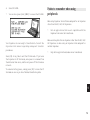
1
confirmation.
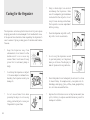
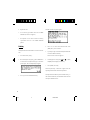
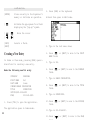
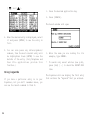
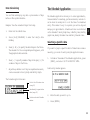
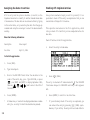
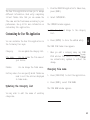
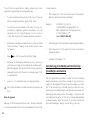
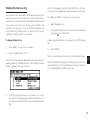
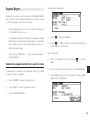
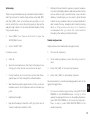
2. Press [NEW] on the keyboard.
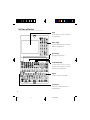
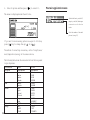
[ENTER]
[
]
[
[
] [
] [
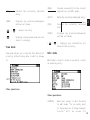
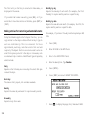
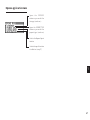
Stores an entry in the Organizer’s
memory or initiates an operation.
[PREV]
[NEXT]
A blank form opens in Edit mode.
Activates the pop-up menu for a field
displaying the “pop-up” symbol.
]
]
Moves the cursor
Selects a field.
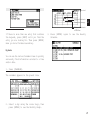
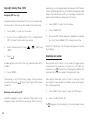
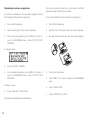
3. Type in the last name Jones.
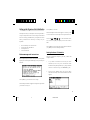
Creating a New Entry
4. Press [
] or [NEXT] to move to the FIRST
NAME field.
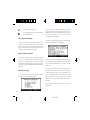
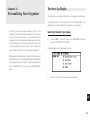
In Index or View mode, pressing [NEW] opens a
blank form for creating a new entry.
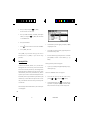
5. Type in Pat.
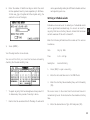
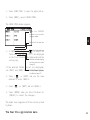
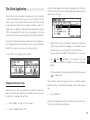
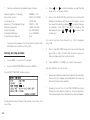
Make the following new Tel entry:
6. Press [
field.
CATEGORY
PERSONAL
FIRST NAME
Pat
LAST NAME
Jones
COMPANY SHARP CORPORATION
TITLE
SUPERVISOR
OFFICE# 201-529-8200
FAX#
201-529-9695
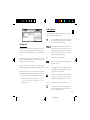
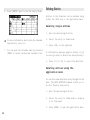
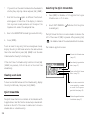
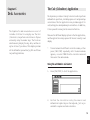
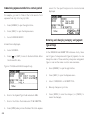
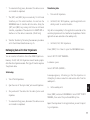
1. Press [TEL] to open the application.
The application opens in Index mode.
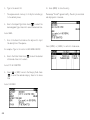
] or [NEXT] to move to the COMPANY
7. Type in SHARP CORPORATION.
8. Press [
field.
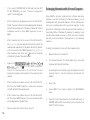
] or [NEXT] to move to the TITLE
9. Type in SUPERVISOR.
10. Press [
field.
] or [NEXT] to move to the OFFICE#
11. Type in 201-529-8200.
20
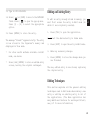
12. Press [
] or [NEXT] to move to the FAX#