1
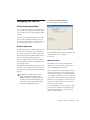
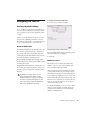
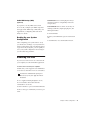
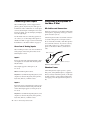
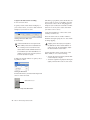
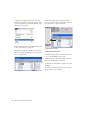
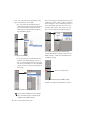
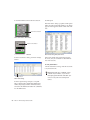
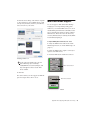
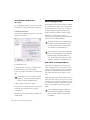
4 In the Patch Select dialog, click the Change
button.
Change button
Patch Select dialog
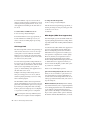
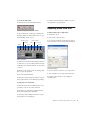
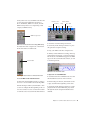
5 In the Open dialog, navigate to /Library/Audio/MIDI Patch Names/Digidesign/<name of
manufacturer>, and select the MIDI Patch Name
file (.midnam) for the MIDI device.
6 Click Open.
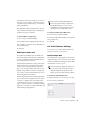
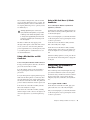
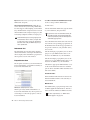
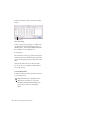
The Patch Select dialog is populated with patch
names and the Patch Name Bank pop-up menu
appears in the upper left hand corner of the window.
Once patch names have been imported into
Pro Tools, they are available for that MIDI device in all sessions.
To clear patch names:
In the Patch Select dialog, click the Clear button, and click Done.
MIDI patch name files (.midnam) can be
edited in any text editor, or you can use
third party patch librarian and editor software to create your own custom patch
names.
54
Mbox 2 Mini Getting Started Guide