1
4.10 Administration
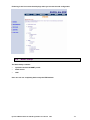
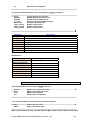
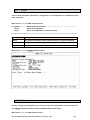
You can modify the user profile, telnet access, SNMP (Sample Network Management Protocol)
and supervisor information (supervisor password and ID) in admin.
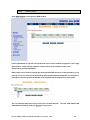
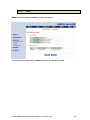
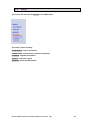
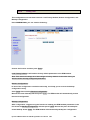
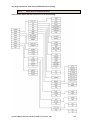
For configuration the parameters, move the cursor “ >> “ to admin and press enter.
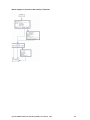
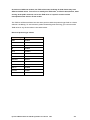
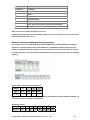
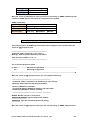
>> user
security
snmp
passwd
id
4.10.1
Manage user profile
Setup system security
Configure SNMP parameter
Change supervisor password
Change supervisor ID
User Profile
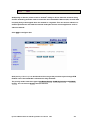
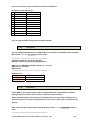
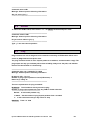
You can use user command to clear, modify and list the user profile. You can setup at most
five users to access the EFM modem via console port or telnet in user profile table however
users who have the supervisor password can change the configuration of the EFM modem.
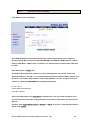
Move the cursor “ >> “ to user and press enter key.
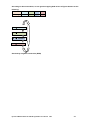
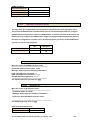
>> clear
modify
list
Clear user profile
Modify the user profile
List the user profile
You can delete the user by number using clear command. If you do not make sure the number
of user, you can use list command to check it. Modify command is to modify an old user
information or add a new user to user profile.
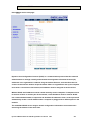
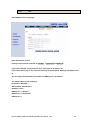
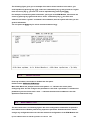
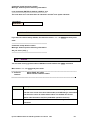
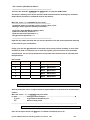
To modify or add a new user, move the cursor “ >> “ to modify and press enter.
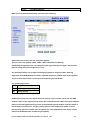
Select which profile number you want to modify.
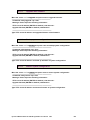
---------------------------------------------------------------------Command: admin user modify <1~5> <more...>
Message: Please input the following information.
Legal access user profile number <1~5> : 2
----------------------------------------------------------------------
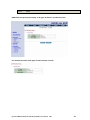
The screen will prompt as follow.
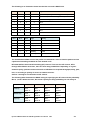
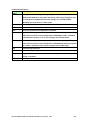
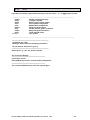
>> attrib
profile
UI mode
User name and password
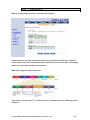
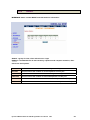
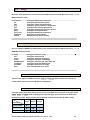
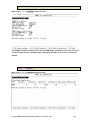
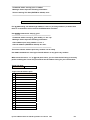
Move the cursor “>>” to attrib and press enter.
----------------------------------------------------------------------------Command: admin user modify 2 attrib <Command|Menu>
Message: Please input the following information.
Dynamix UM-SE G.SHDSL.bis EFM Bridge Modem User Manual
V003
91