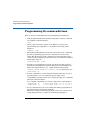
1
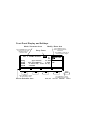
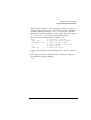
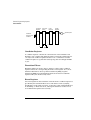
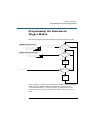
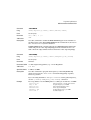
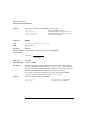
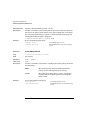
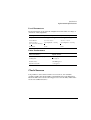
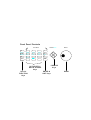
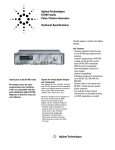
Front Panel Display and Softkeys
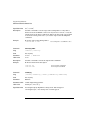
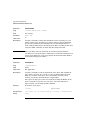
Mode / Parameter Area
Use the CURSOR keys to move
the entry focus to a mode,
parameter format, or
parameter value
Use the KNOB to select a
mode or modify parameters
and formats
Entry Focus
Press ENTER or a UNIT key to
confirm parameter changes
Per 1.000µ
µs Normal
Delay
Width
LeadE
TraiE
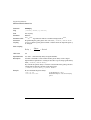
Modify / Enter Area
OFF
1
MODIFY
0ps Offset
+0.0mV *OFF
100.0ns Amplit
1.00V ON
5.00ns 50Ω
Ω into 50.0Ω
Ω
=LeadE
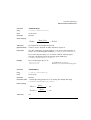
MODE/TRG
OUTPUT
LIMITS
TRG-LEV
GRAPH
MORE
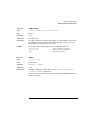
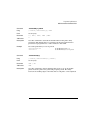
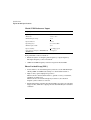
Press a SOFTKEY to access
the required entry screen
Screen Selection Area
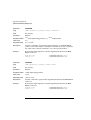
Press MORE key to access
the additional screen menus:
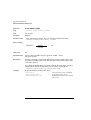
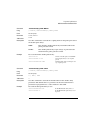
MODE/TRG
TRG-LEV
MEMCARD
CONFIG