1
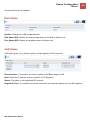
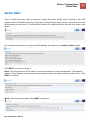
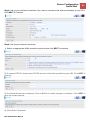
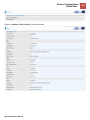
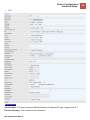
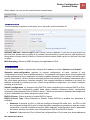
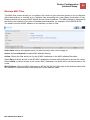
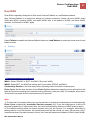
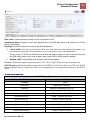
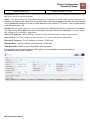
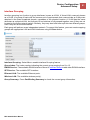
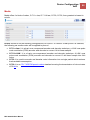
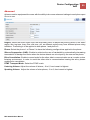
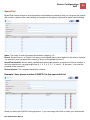
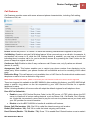
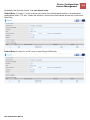
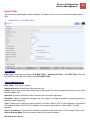
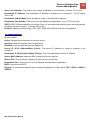
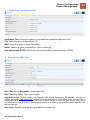
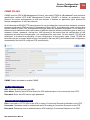
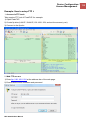
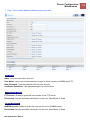
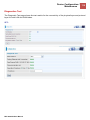
Device Configuration / 115 Maintenance License This feature is only avaiable for Internet/Local Service Provider. Firmware & Configuration Firmware is the software that controls the hardware and provides all functionalities which are available in the GUI. This software may be improved and/or modified; your BEC 9800VN provides an easy way to update the code to take advantage of the changes. . To upgrade the firmware of BEC 9800VN, you should download or copy the firmware to your local environment first. Press the “Browse…” button to specify the path of the firmware file. Then, click “Upgrade” to start upgrading. When the procedure is completed, BEC 9800VN will reset automatically to make the new firmware work. Upgrade: Choose Firmware or Configuration you want to update. System Restart with: Current Settings: Restart the device with the current settings automatically when finishing upgrading. Factory Default Settings: Restart the device with factory default settings automatically when finishing upgrading. File: Type in the location of the file you want to upload in this field or click Browse to find it. Browse: Click Browse... to find the configuration file or firmware file you want to upload. Remember that you must extract / decompress / unzip the .zip files before you can upload them. Backup Configuration: Click Backup button to back up the current running configuration file and save it to your computer in the event that you need this configuration file to be restored back to your BEC 9800VN User Manual