1
Appendix B
BInstalling from a Local or Network
Drive
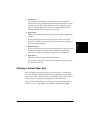
If the printer driver software has been placed on a local or network drive,
you can install the software on your system from that drive, rather than
using the printer driver installation disk.
Installing the Software
4
You are ready to install the software once you have prepared your
system, as described in the “Before You Begin the Installation: a
Checklist” section in Chapter 2.
To install the software:
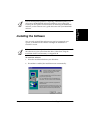
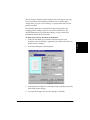
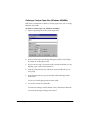
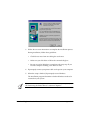
1. On the Windows desktop, click Start. Then click Run.
2.
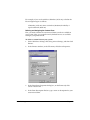
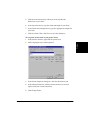
In the Run dialog box, browse to the drive and folder where the
printer driver software is located. In the folder containing the printer
driver software, locate the following folder and file, and click OK:
Installing from a
Local or Network
Drive
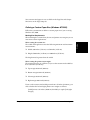
\SETUP\Setup.exe
Appendix B
Installing from a Local or Network Drive B-1