1
English
Dansk
Deutsch
Español
Français
Italiano
Nederlands
Svenska
OPERATING INSTRUCTIONS
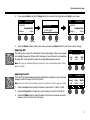
4.
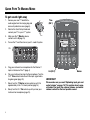
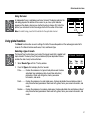
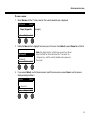
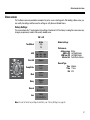
When the question “Are you sure?” is displayed, press the Yes button to save the scene, or press the No
button to exit without saving the scene.
Note: The display returns to the Scenes screen if you do not
Are You Sure?
Yes
press the Yes or No button within 15 seconds. No change
occurs, and the currently loaded scene appears on the
screen.
No
Sharing a scene
If you create a scene that you would like to share with another T1 ToneMatchTM audio engine user, you can save that
scene as a Shared Scene. Using the L1TM updater, you can download the Shared Scene to your computer and then
transfer the file to the computer of another T1 user. The other T1 user can upload the scene to their T1 using the L1
updater. The L1 updater is available at www.Bose.com/musicians.
To save a Shared Scene:
1.
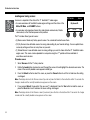
Load the scene that you want to share (see “To load a scene” on page 32).
2.
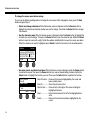
Press the Save button to access the list of scenes.
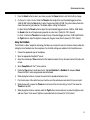
3.
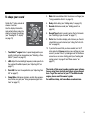
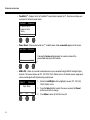
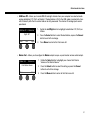
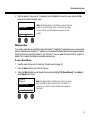
Rotate the Select button to scroll through the scene list and highlight [To Shared Scene]. Press Select or
press Cancel to exit the list.
My Scene 09
My Scene 10
[To Shared Scene]
Cancel
Select
Note: The display returns to the Scenes screen if you do not
press the Select or Cancel button within 15 seconds. No
change occurs, and the currently loaded scene appears on
the screen.
35