1
26
Appendix A - Configuring Your Controller
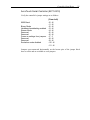
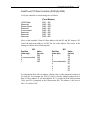
The following table lists the devices normally assigned to each IRQ:
IRQ
2
3
4
5
6
7
Device
Mapped to IRQ9
COM2
COM1
LPT2
Floppy disk controller
LPT1
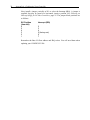
Below are Elo’s recommendations for choosing an interrupt, in order of preference.
Skip the IRQ if a conflict may exist.
5, 7, 2, 3, 4, 6
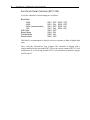
CONTROLLER DATA SHEETS
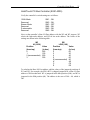
Setup information for each controller begins on a new page. Skip to the appropriate
page for your controller.
Controller
IntelliTouch Serial Controller (E281-2300)
IntelliTouch Serial Controller (E281{A}-4002)
AccuTouch Serial Controller (E271-2210)
AccuTouch Serial Controller (E271-140)
IntelliTouch PC-Bus Controller (E281-4035)
IntelliTouch PC-Bus Controller (E281{A}-4025)
AccuTouch PC-Bus Controller (E271-2201)
AccuTouch PC-Bus Controller (E271-141)
AccuTouch Micro Channel Controller (E271-2202)
Page
27
28
29
30
31
33
35
36
38
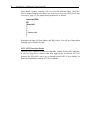
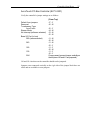
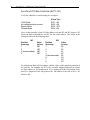
NOTE
Switches may be labeled either OFF/ON or OPEN/CLOSE, depending on your
controller. The data sheet tables always list switch positions as OFF (open) or ON
(close).