1
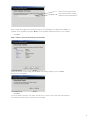
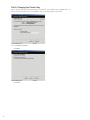
Step 3: Establishing Connection
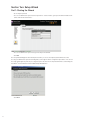
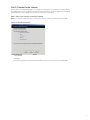
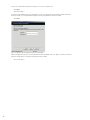
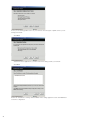
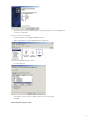
Your ZoneAlarm® Secure Wireless Router Z100G will now attempt to connect to the service center.
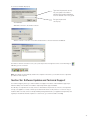
• A
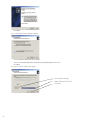
confirmation screen appears.
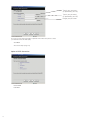
• Click
Next to confirm the configuration.
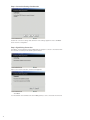
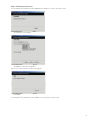
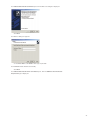
Upon a successful connection, a finish screen appears.
• Click
Finish.
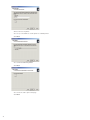
Your ZoneAlarm® Secure Wireless Router Z100G is now connected to a service center.
21