1
18
Call Back
Call Back
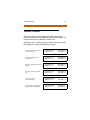
A station can initiate a call back request to another busy
station. Once that station becomes idle, the station that left the
call back request is signaled.
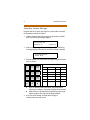
To leave a Call Back request when a number is busy:
1. Press the preprogrammed CALL BACK flexible button or use
the Soft Key’s CALL-BK option.
2. Replace the handset or press the ON/OFF button. When the
busy station hangs up, you will be signaled.
3. Answer the call; the station you called will then be signaled.
(If your station is busy when signaled, an automatic MSG
will be placed at your phone.) Only one Call Back request
can be left at a station; the second request will leave a
message wait callback request.
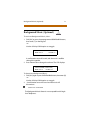
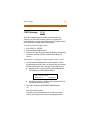
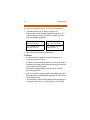
When the Automatic Call Back Timer is enabled, a
call back request is automatically invoked anytime
you listen to a busy intercom tone for a preset
period of time (default = 3 seconds).
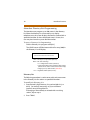
SINGLE LINE TELEPHONE
To leave a Call Back request when a number is busy:
1. Briefly depress and release the hookswitch.
2. Dial [622] and replace the handset.
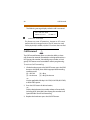
Only one Call Back request can be left at a station;
the second request will convert to a message
waiting request.