1
4
Command Line Interface
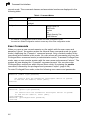
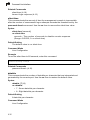
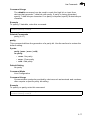
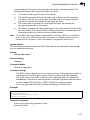
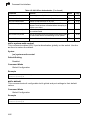
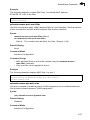
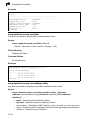
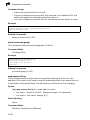
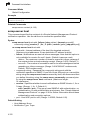
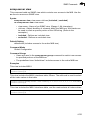
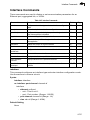
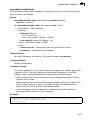
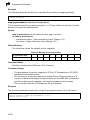
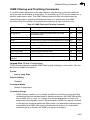
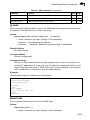
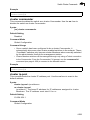
spanning-tree transmission-limit
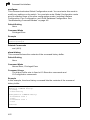
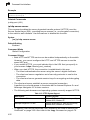
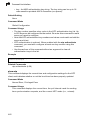
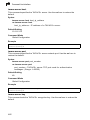
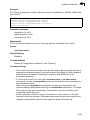
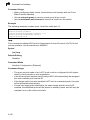
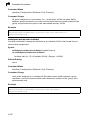
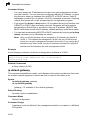
This command configures the minimum interval between the transmission of
consecutive RSTP/MSTP BPDUs. Use the no form to restore the default.
Syntax
spanning-tree transmission-limit count
no spanning-tree transmission-limit
count - The transmission limit in seconds. (Range: 1-10)
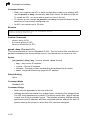
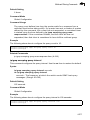
Default Setting
3
Command Mode
Global Configuration
Command Usage
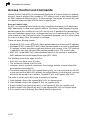
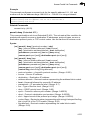
This command limits the maximum transmission rate for BPDUs.
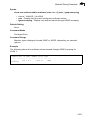
Example
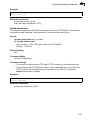
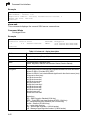
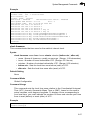
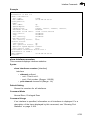
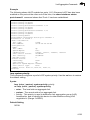
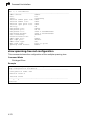
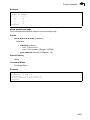
Console(config)#spanning-tree transmission-limit 4
Console(config)#
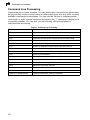
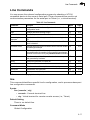
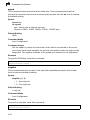
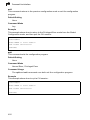
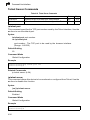
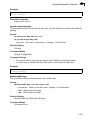
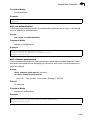
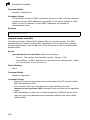
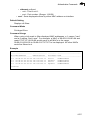
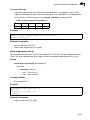
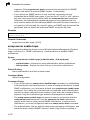
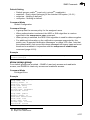
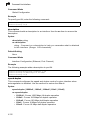
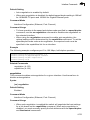
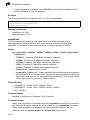
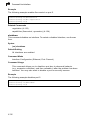
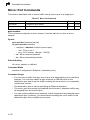
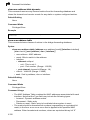
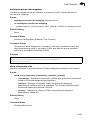
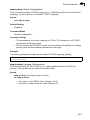
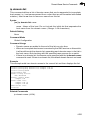
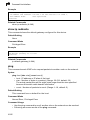
spanning-tree mst-configuration
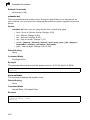
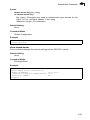
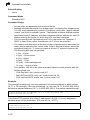
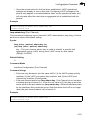
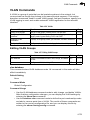
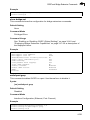
This command changes to Multiple Spanning Tree (MST) configuration mode.
Default Setting
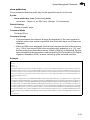
• No VLANs are mapped to any MST instance.
• The region name is set the switch’s MAC address.
Command Mode
Global Configuration
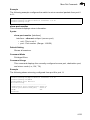
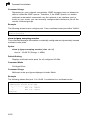
Example
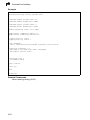
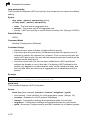
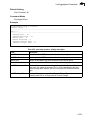
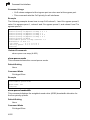
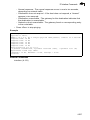
Console(config)#spanning-tree mst-configuration
Console(config-mstp)#
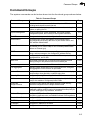
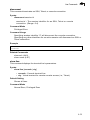
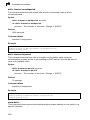
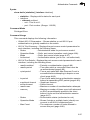
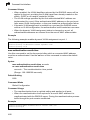
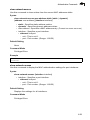
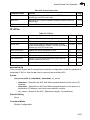
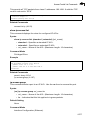
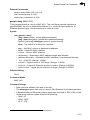
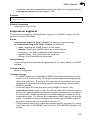
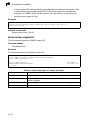
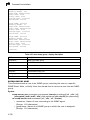
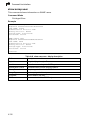
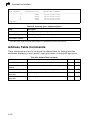
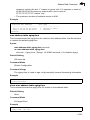
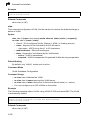
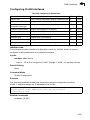
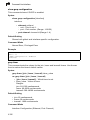
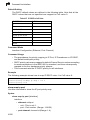
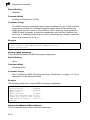
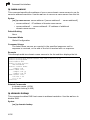
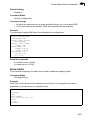
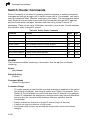
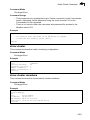
Related Commands
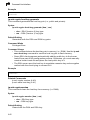
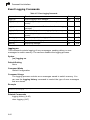
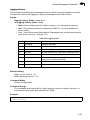
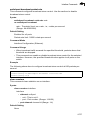
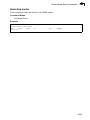
mst vlan (4-167)
mst priority (4-168)
name (4-168)
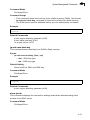
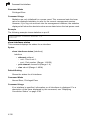
revision (4-169)
max-hops (4-169)
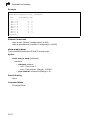
4-166