1
3
Configuring SNMPv3 Management Access
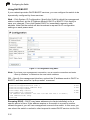
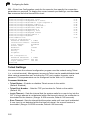
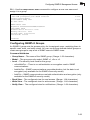
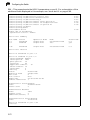
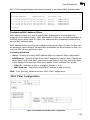
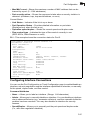
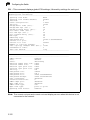
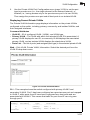
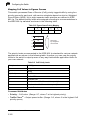
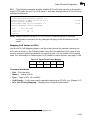
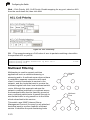
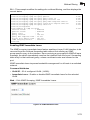
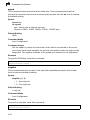
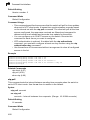
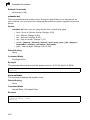
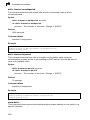
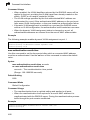
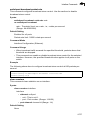
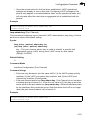
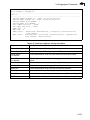
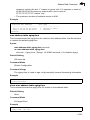
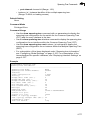
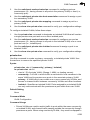
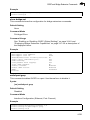
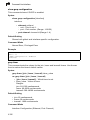
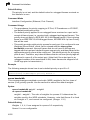
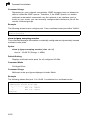
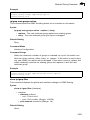
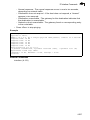
CLI – Use the snmp-server user command to configure a new user name and
assign it to a group.
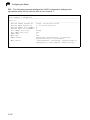
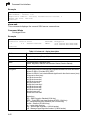
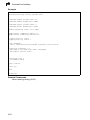
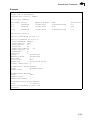
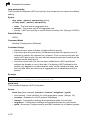
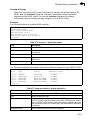
Console(config)#snmp-server user mark group r&d remote 192.168.1.19 v3
auth md5 greenpeace priv des56 einstien
4-128
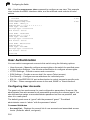
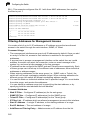
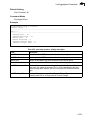
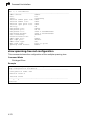
Console(config)#exit
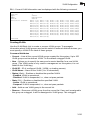
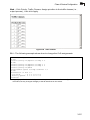
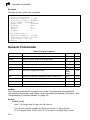
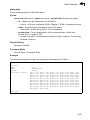
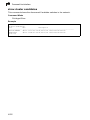
Console#show snmp user
4-130
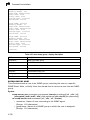
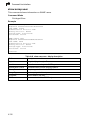
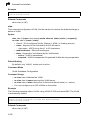
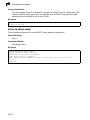
No user exist.
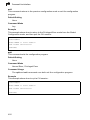
SNMP remote user
EngineId: 80000000030004e2b316c54321
User Name: mark
Authentication Protocol: none
Privacy Protocol: none
Storage Type: nonvolatile
Row Status: active
Console#
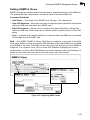
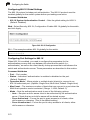
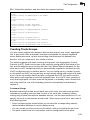
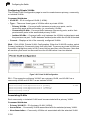
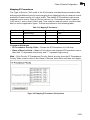
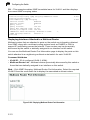
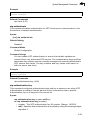
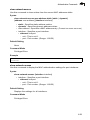
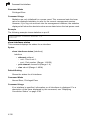
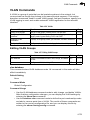
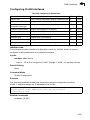
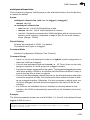
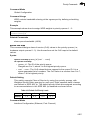
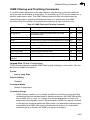
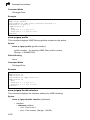
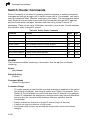
Configuring SNMPv3 Groups
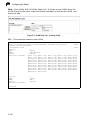
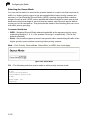
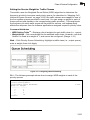
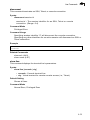
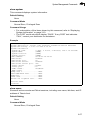
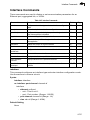
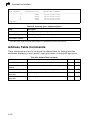
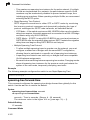
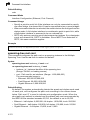
An SNMPv3 group sets the access policy for its assigned users, restricting them to
specific read, write, and notify views. You can use the pre-defined default groups or
create new groups to map a set of SNMP users to SNMP views.
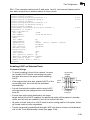
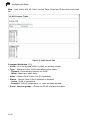
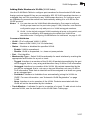
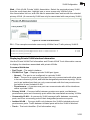
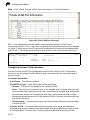
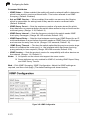
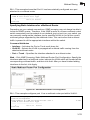
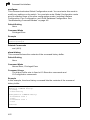
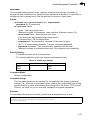
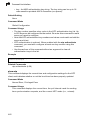
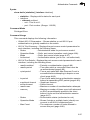
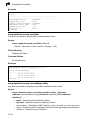
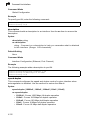
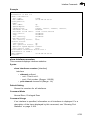
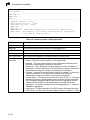
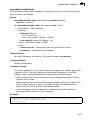
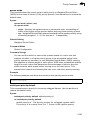
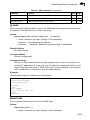
Command Attributes
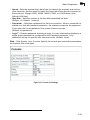
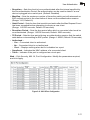
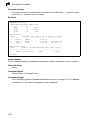
• Group Name – The name of the SNMP group. (Range: 1-32 characters)
• Model – The group security model; SNMP v1, v2c or v3.
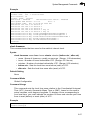
• Level – The security level used for the group:
- noAuthNoPriv – There is no authentication or encryption used in SNMP
communications.
- AuthNoPriv – SNMP communications use authentication, but the data is not
encrypted (only available for the SNMPv3 security model).
- AuthPriv – SNMP communications use both authentication and encryption (only
available for the SNMPv3 security model).
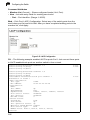
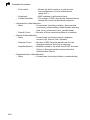
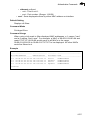
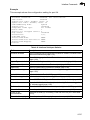
• Read View – The configured view for read access. (Range: 1-64 characters)
• Write View – The configured view for write access. (Range: 1-64 characters)
• Notify View – The configured view for notifications. (Range: 1-64 characters)
3-49