1
Getting Started with Attenuator Modules
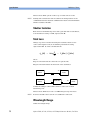
What is an Attenuator?
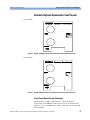
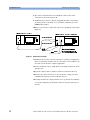
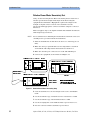
Variable Optical Attenuator Front Panels
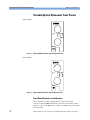
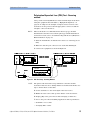
Agilent 81560A
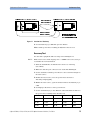
Figure 2
Agilent 81560A Attenuator with Straight Connector
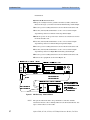
Agilent 81561A
Figure 3
Agilent 81561A Attenuator with Angled Connector
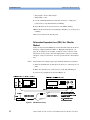
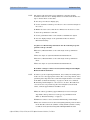
Front Panel Controls and Indicators
The front panel contains a push button to switch the shutter
open/closed, and a LED that indicates the state of the shutter. If the
shutter is “open”, the LED shows “enable”, and light can pass through
the instrument.
18
Agilent 81560A, 81561A, 81566A, & 81567A Optical Attenuator Modules, First Edition