1
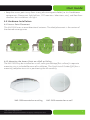
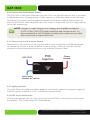
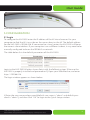
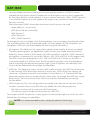
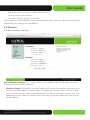
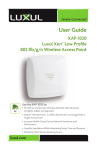
User Guide The XAP-1500 contains no user-serviceable parts. If the access point is not working properly, contact your dealer and ask for help. DO NOT attempt to disassemble the access point. 4 HARDWARE FEATURES AND INSTALLATION 4.1 Front View The XAP-1500 has three LEDs, positioned on the side of the access point 1) Power, 2) 2.4GHz wireless activity and 3) 5GHz wireless activity. NOTE: The LEDs may be enabled or disabled through the user interface. The LEDs are enabled by default. XAP-1500 Front View Status Indicators: The following table describes the LED functionality: Indicator Power 2.4 GHz Status 5 GHz Status Description On The power is on Off No power, check power connections Flashing Indicates 2.4 GHz wireless activity Off The wireless radio is not active and wireless access is disabled Flashing Indicates 5GHz wireless activity Off The wireless radio is not active and wireless access is disabled At startup, the Green Power LED will stay on while the 2.4GHz and 5GHz LEDs will blink once the wireless networks are functional. Note: LEDs may be enabled or disabled through the user interface. LEDs are enabled by default.. © 2014 Luxul. All Rights Reserved. Other trademarks and registered trademarks are the property of their respective owners 7