1
Chapter 9
Managing Aliases
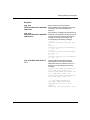
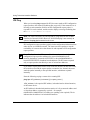
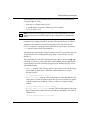
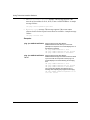
An alias is a command you create to take the place of long or multiple commands.
After creating the alias, you enter the alias name to invoke its associated
commands.
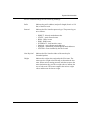
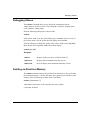
This chapter describes how to do the following:
303561-A Rev 00
•
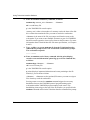
Create an alias in memory and enter its name to invoke its associated
commands.
•
Display the commands associated with an alias.
•
Debug an alias.
•
Delete an alias.
•
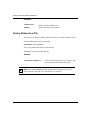
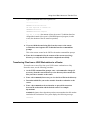
Save aliases to a file in the NVFS for later retrieval.
•
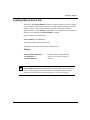
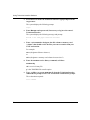
Load aliases from a file into RAM.
•
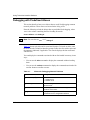
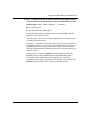
Use the aliases in the debug.al file to debug common network problems.
9-1