1
Chapter 6 Running the Demonstration Programs
Running the Demo 5 Program
Running the Demo 5 Program
6
The Demo 5 program causes the robot to pick a randomly selected
cartridge from its magazine slot and place it in another magazine
slot on another level of the stacked library. This test maximizes the
use of the StackLink.
Note:
This program is for multiple library stacks only.
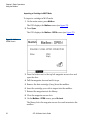
To run the Demo 5 program:
1 Verify that at least:
•
Two library modules are installed in the stack
•
One magazine is installed in each library module
•
One cartridge is present
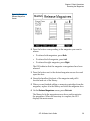
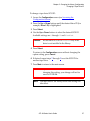
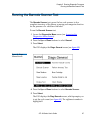
2 Access the Demo Programs screen (see Accessing the Demo
Programs Screen on page 97).
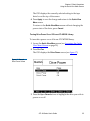
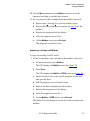
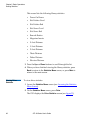
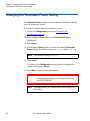
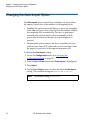
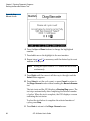
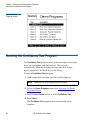
3 Press the Up or Down buttons to select Demo 5.
4 Press Select.
The Demo 5 program starts. This program continues until you
press the Stop button.
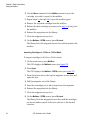
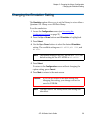
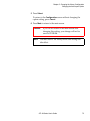
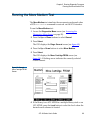
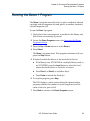
5 To stop the program, press Stop.
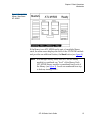
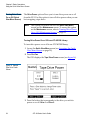
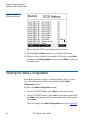
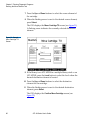
The GUI displays a status screen listing the demonstration
program number, the number of cycles completed, and the
status of the test: pass or fail.
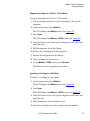
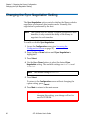
6 Press Back to return to the Demo Programs screen.
ATL M-Series User’s Guide
103