1
www.dell.com | support.dell.com
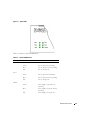
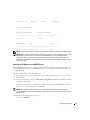
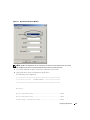
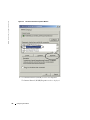
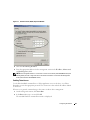
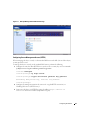
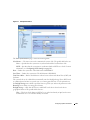
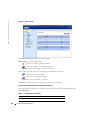
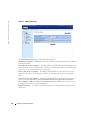
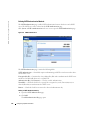
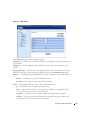
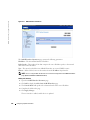
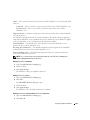
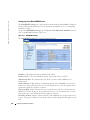
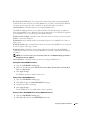
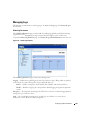
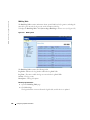
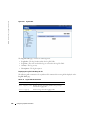
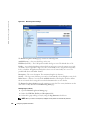
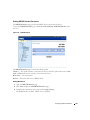
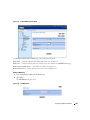
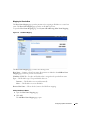
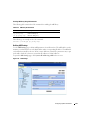
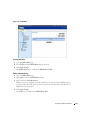
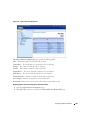
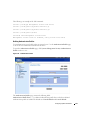
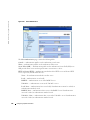
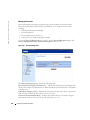
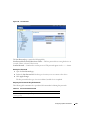
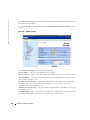
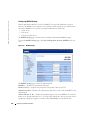
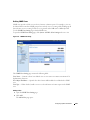
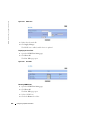
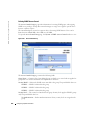
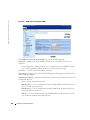
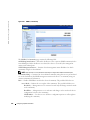
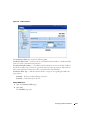
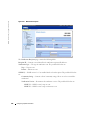
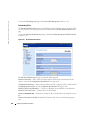
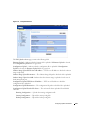
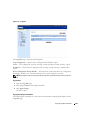
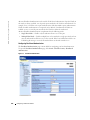
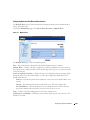
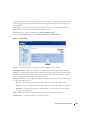
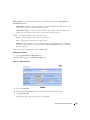
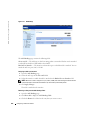
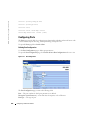
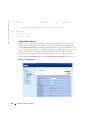
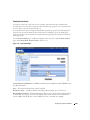
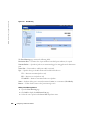
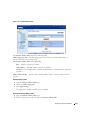
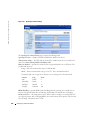
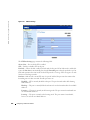
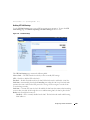
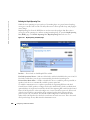
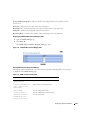
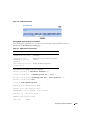
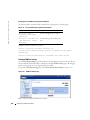
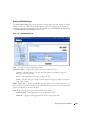
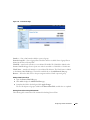
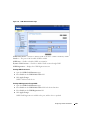
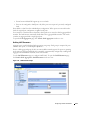
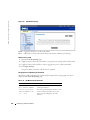
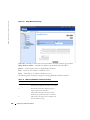
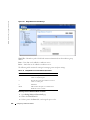
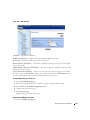
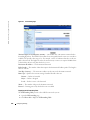
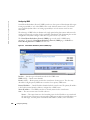
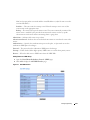
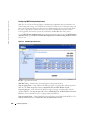
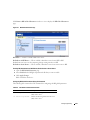
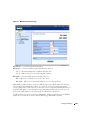
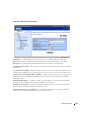
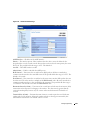
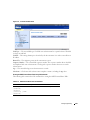
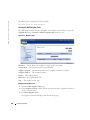
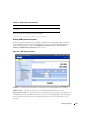
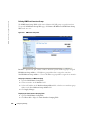
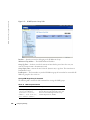
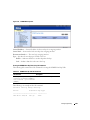
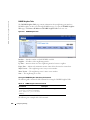
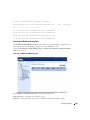
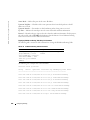
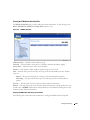
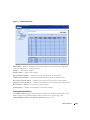
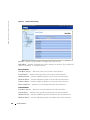
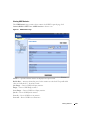
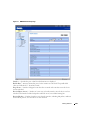
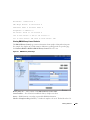
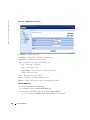
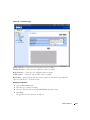
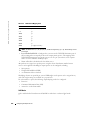
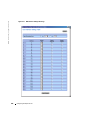
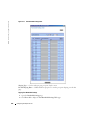
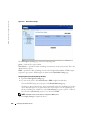
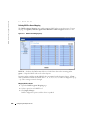
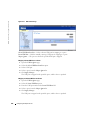
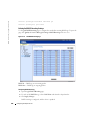
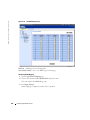
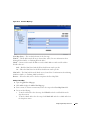
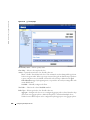
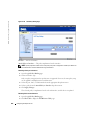
Figure 10-5. Global Queue Settings
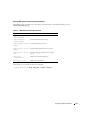
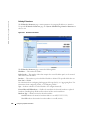
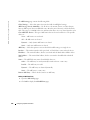
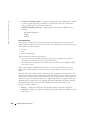
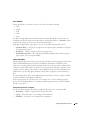
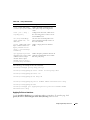
The Global Queue Settings page contains the following fields:
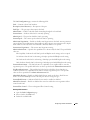
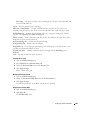
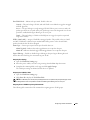
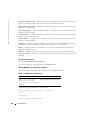
Queue — Indicates the queue number.
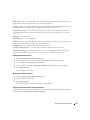
Strict Priority — Specifies if traffic scheduling is based strictly on the queue priority. This is the
default value for queues.
WRR — Specifies if traffic scheduling is based on the Weighted Round Robin (WRR) weights
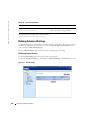
assigned to egress queues. WRR weights are defined in the Bandwidth Settings page.
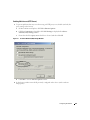
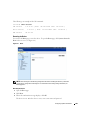
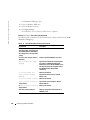
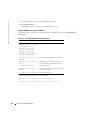
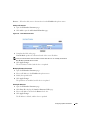
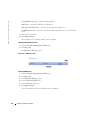
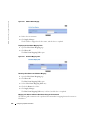
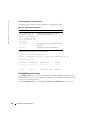
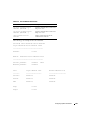
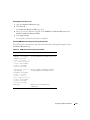
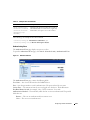
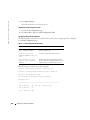
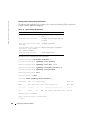
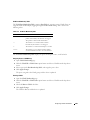
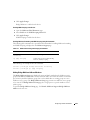
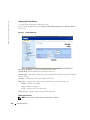
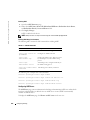
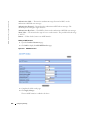
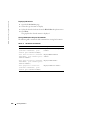
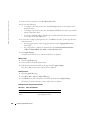
Configuring Queue Scheduling Settings Globally
1
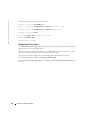
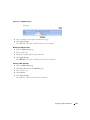
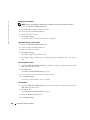
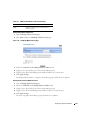
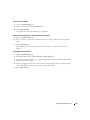
Open the Global Queue Settings page.
2
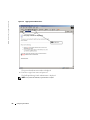
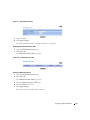
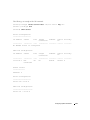
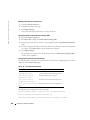
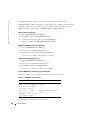
For each of the queues, click Strict Priority or WRR (weighted round robin).
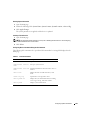
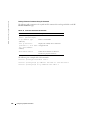
The actual WRR settings are set per port on the Bandwidth Settings page.
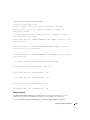
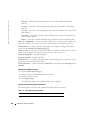
Checking an option button for any queue automatically selects the scheduling type for the
queues after that queue. Every queue before the selected queue uses the opposite type of
priority scheduling. For example, if you click Strict Priority for queue 6, queues 7 and 8 are
also selected as Strict Priority; queues 1-5 are selected as WRR.
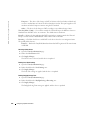
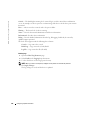
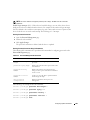
NOTE: A minimum of two queues must be configured as WRR queues.
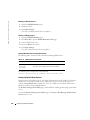
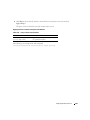
3
436
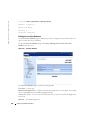
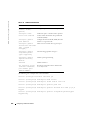
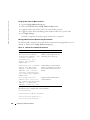
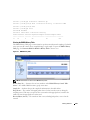
Click Apply Changes to update the device.
Configuring Quality of Service