1
Total Access 600 Series System Manual
Section 4.5 SDSL ATM UIG
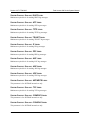
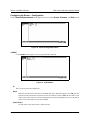
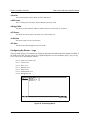
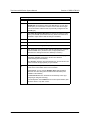
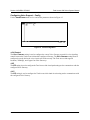
Status
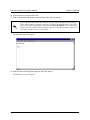
This displays the current status of the time negotiation process. If an error is displayed, check all connections
and configurations to try to resolve the problem.
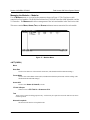
System Utility
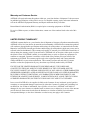
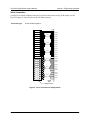
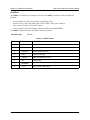
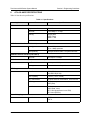
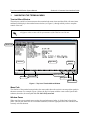
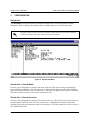
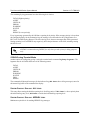
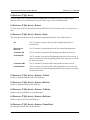
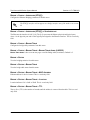
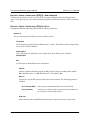
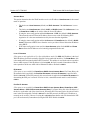
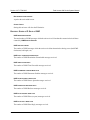
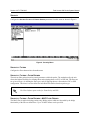
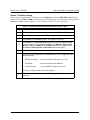
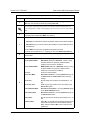
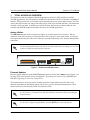
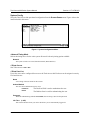
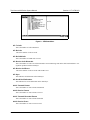
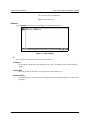
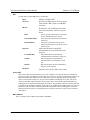
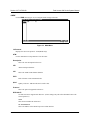
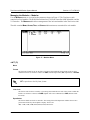
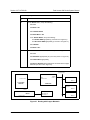
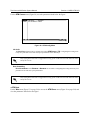
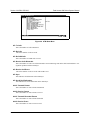
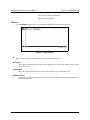
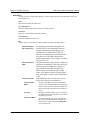
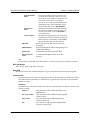
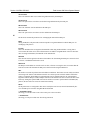
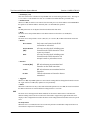
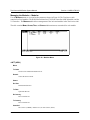
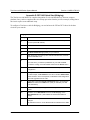
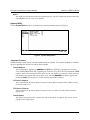
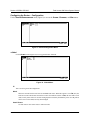
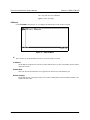
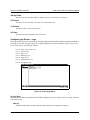
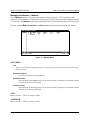
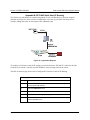
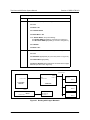
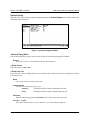
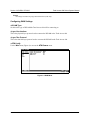
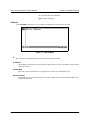
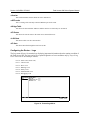
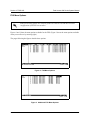
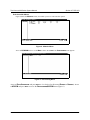
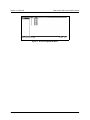
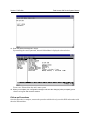
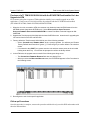
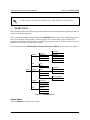
Use the SYSTEM UTILITY menu to view and set the system parameters shown in Figure 5.
Figure 5. System Utility Menu
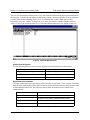
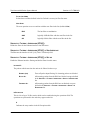
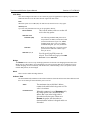
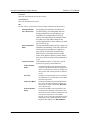
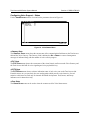
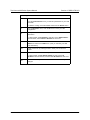
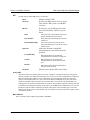
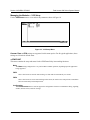
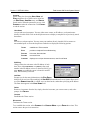
>Upgrade Firmware
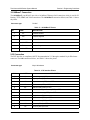
Updates firmware when Total Access 600 enhancements are released. Two transfer methods are available
for use in updating the Total Access 600 system controller.
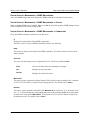
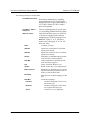
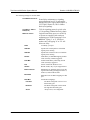
Transfer Method
The two methods for upgrading are XMODEM and TFTP. (See DLP-007, Upgrading the Firmware
Using XMODEM and DLP-008, Upgrading the Firmware Using TFTP for more information.) TFTP
requires a TFTP server running somewhere on the network. The Total Access 600 starts a TFTP client function which gets the upgrade code from the TFTP server. Selecting XMODEM will load the upgrade code
through the CRAFT port using any PC terminal emulator with xmodem capability.
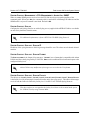
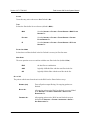
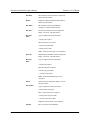
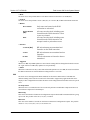
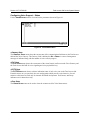
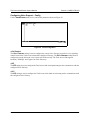
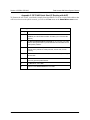
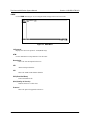
TFTP Server Address
This is required when the transfer method is TFTP. It is the IP address or domain name (if DNS is configured) of the TFTP server.
TFTP Server Filename
This is required when the transfer method is TFTP. It is the case-sensitive file name which contains the
upgrade code.
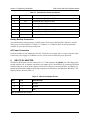
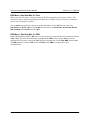
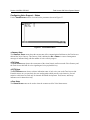
Transfer Status
This appears when TFTP is used. It displays the status of the transfer as it happens. Any error or success
message will be displayed here.
61200624L1-1A
© 2002 ADTRAN, Inc.
261