1
14.
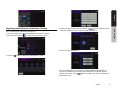
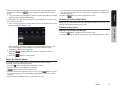
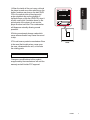
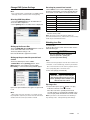
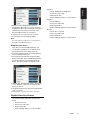
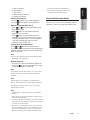
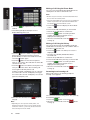
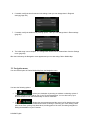
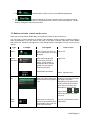
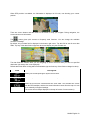
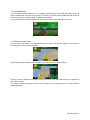
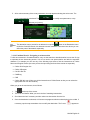
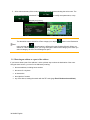
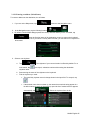
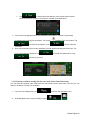
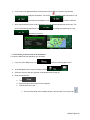
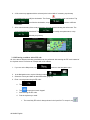
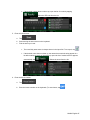
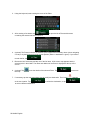
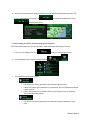
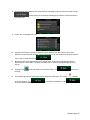
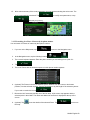
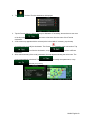
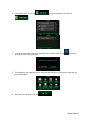
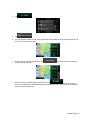
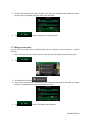
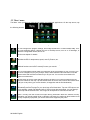
After a short summary of the route parameters, the map appears showing the entire route. The
route is automatically calculated. Tap
to modify route parameters, or tap
and start your journey.
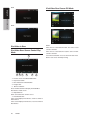
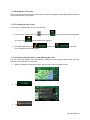
3.1.3.4 Searching for a Place of Interest by name
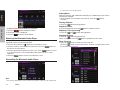
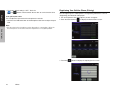
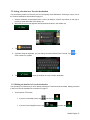
You can search for Places of Interest by their names. You can search around different locations or along
your route in the whole Place database or in one Place category or subcategory only.
to return to the Navigation menu.
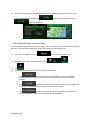
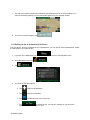
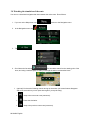
1.
If you are on the Map screen, tap
2.
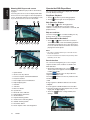
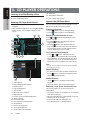
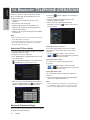
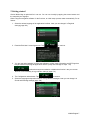
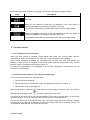
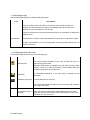
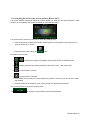
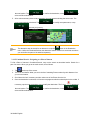
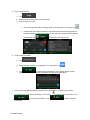
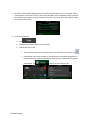
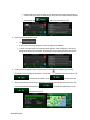
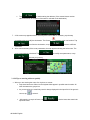
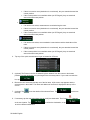
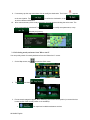
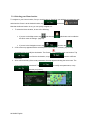
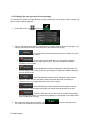
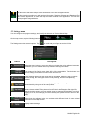
In the Navigation menu, tap the following buttons:
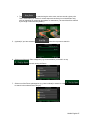
3.
Tap
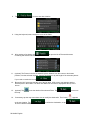
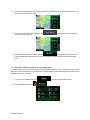
4.
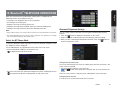
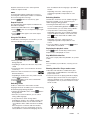
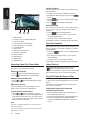
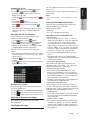
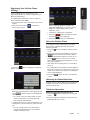
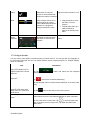
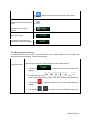
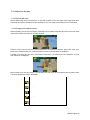
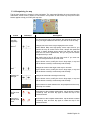
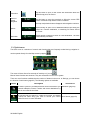
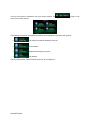
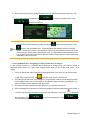
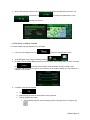
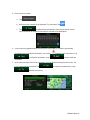
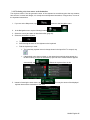
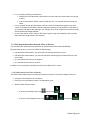
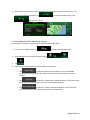
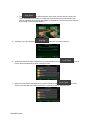
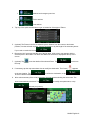
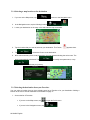
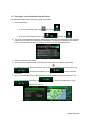
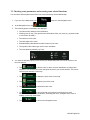
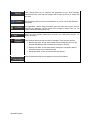
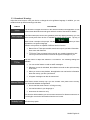
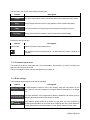
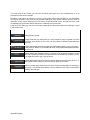
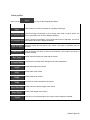
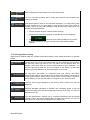
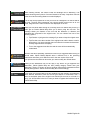
Select the area around which the Place should be searched for:
,
.
.
•
to search around the current position or if it is not available,
Tap
around the last know position. (The result list will be ordered by the distance from this
position.)
•
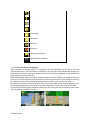
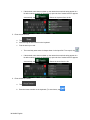
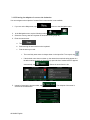
to search for a place within a selected city/town. (The result list will
Tap
be ordered by the distance from the center of the selected city/town.)
•
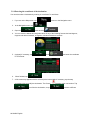
to search for a place around the destination of the active route.
Tap
(The result list will be ordered by the distance from the destination.)
56 NX404 English