1
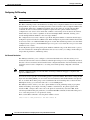
Setting Up Secure SRST
How to Configure Secure SRST
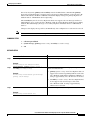
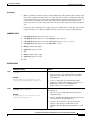
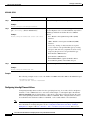
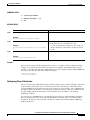
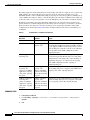
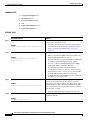
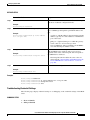
SUMMARY STEPS
1.
crypto pki trustpoint name
2.
revocation-check method1
3.
enrollment terminal
4.
exit
5.
crypto pki authenticate name
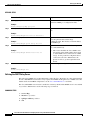
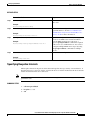
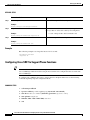
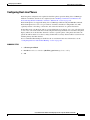
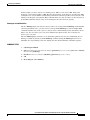
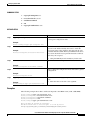
DETAILED STEPS
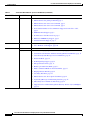
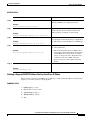
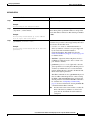
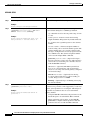
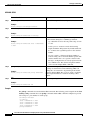
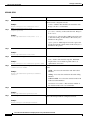
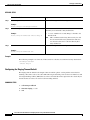
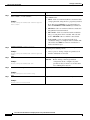
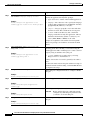
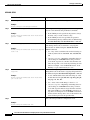
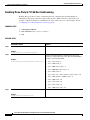
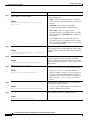
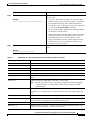
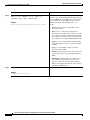
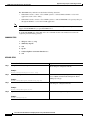
Step 1
Command or Action
Purpose
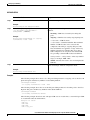
crypto pki trustpoint name
Declares the CA that your router should use and enters
ca-trustpoint configuration mode.
Example:
Router (config)# crypto pki trustpoint 7970
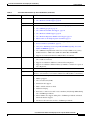
Step 2
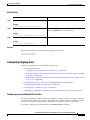
revocation-check method1
Example:
Router(ca-trustpoint)# revocation-check none
Checks the revocation status of a certificate. The argument
method1 is the method used by the router to check the
revocation status of the certificate. For this task, the only
available method is none. The keyword none means that a
revocation check will not be performed and the certificate
will always be accepted.
•
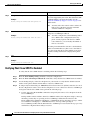
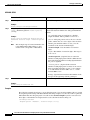
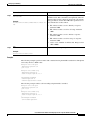
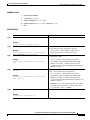
Step 3
Using the none keyword is mandatory for this task.
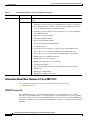
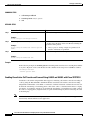
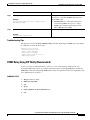
Specifies manual cut-and-paste certificate enrollment.
enrollment terminal
Example:
Router(ca-trustpoint)# enrollment terminal
Step 4
Exits ca-trustpoint configuration mode and returns to global
configuration.
exit
Example:
Router(ca-trustpoint)# exit
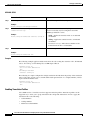
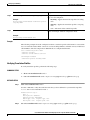
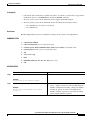
Step 5
Authenticates the CA (by getting the certificate from the
CA).
crypto pki authenticate name
•
Example:
Takes the name of the CA as the argument.
Router(config)# crypto pki authenticate 7970
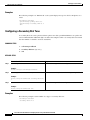
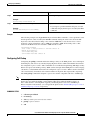
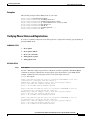
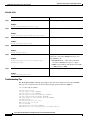
Examples
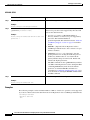
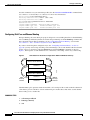
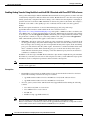
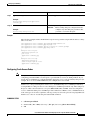
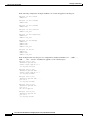
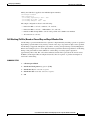
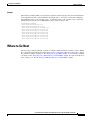
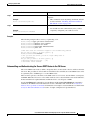
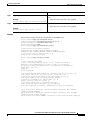
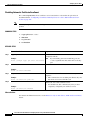
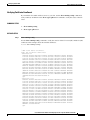
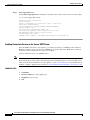
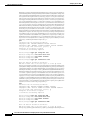
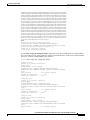
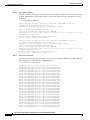
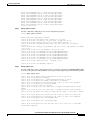
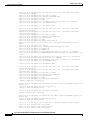
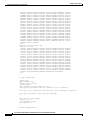
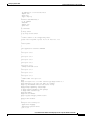
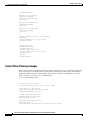
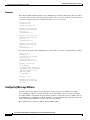
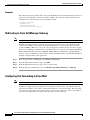
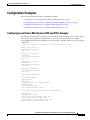
The following example shows three certificates imported to the SRST router (7970, 7960, PEM).
Router(config)# crypto
Router(ca-trustpoint)#
Router(ca-trustpoint)#
Router(ca-trustpoint)#
Router(config)# crypto
pki trustpoint 7970
revocation-check none
enrollment terminal
exit
pki authenticate 7970
Enter the base 64 encoded CA certificate.
End with a blank line or the word "quit" on a line by itself
MIIDqDCCApCgAwIBAgIQNT+yS9cPFKNGwfOprHJWdTANBgkqhkiG9w0BAQUFADAu
Cisco IOS Survivable Remote Site Telephony Version 3.4 System Administrator Guide
115