1
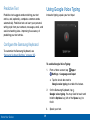
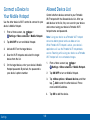
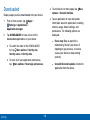
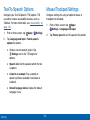
Change the Mobile Hotspot
Password
1.
From a Home screen, tap
Apps >
Settings > More networks > Mobile Hotspot.
2.
Tap ON/OFF to turn on Mobile Hotspot.
3.
Tap
4.
Tap the Security field and select WPA2 PSK and
enter a new password.
More options > Configure hotspot,
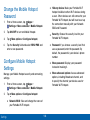
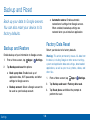
Configure Mobile Hotspot
Settings
Manage your Mobile Hotspot security and connecting
settings.
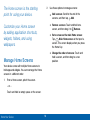
1.
Apps >
From a Home screen, tap
Settings > More networks > Mobile Hotspot.
2.
Tap
•
Settings
More options > Configure hotspot:
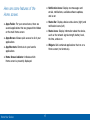
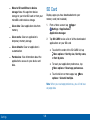
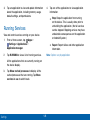
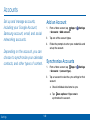
Network SSID: View and change the name of
your Portable Wi-Fi hotspot.
103
•
Hide my device: Make your Portable Wi-Fi
hotspot invisible to other Wi-Fi devices during
a scan. Other devices can still connect to your
Portable Wi-Fi hotspot, but will have to set up
the connection manually with your Network
SSID and Password.
•
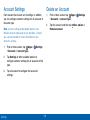
Security: Choose the security level for your
Portable Wi-Fi hotspot.
•
Password: If you choose a security level that
uses a password, enter the password. By
default, the password is your device’s phone
number.
•
Show password: Display your password
instead of masking it.
•
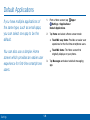
Show advanced options: Access advanced
options, including Broadcast channel, and
to specify the channel your device uses for
Portable Wi-Fi hotspot.