1
Set Up Accounts on Your Device
Google Account
Samsung Account
Your new device uses your Google Account to
fully utilize its Android features, including Gmail,
Google Hangouts, and the Google Play Store.
Create a Samsung account, for access to Samsung
content and apps on your device.
When you turn on your device for the first time, set
up your existing Samsung account, or create a new
Samsung account.
When you turn on your device for the first time, set
up your existing Google Account or create a new
Google Account.
– or –
– or –
To create a new Samsung account or set up your
Samsung account on your device at any time,
use Accounts settings. For more information, see
“Accounts” on page 140.
To create a new Google Account or set up your
Google Account on your device at any time, use
Accounts settings. For more information, see
“Accounts” on page 140.
►
►
Apps >
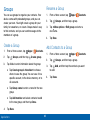
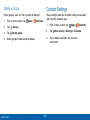
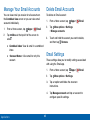
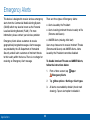
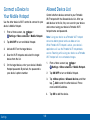
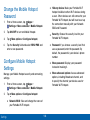
From a Home screen, tap
Settings > Accounts > Add account >
Google.
Getting Started
14
Apps >
From a Home screen, tap
Settings > Accounts > Add account >
Samsung account.