1
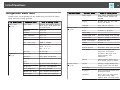
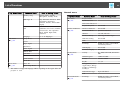
Easy Interactive Function (EB-485Wi/EB-480i/EB-475Wi only)
a
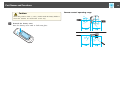
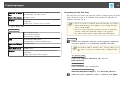
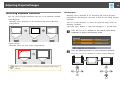
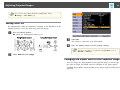
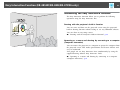
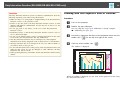
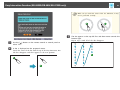
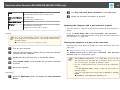
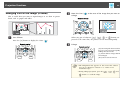
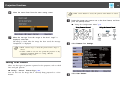
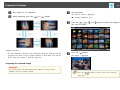
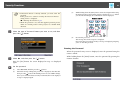
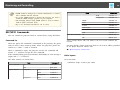
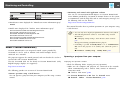
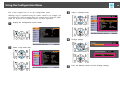
• If you touch the wrong position, press the [Esc] button on the
remote control or control panel to return to the previous dot.
You cannot go back further than the previous dot.
• Press and hold the [Esc] button to cancel the calibration.
• It may take several seconds after all of the dots have
disappeared until calibration is complete.
62
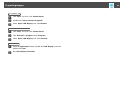
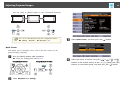
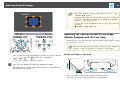
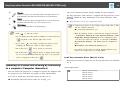
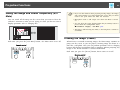
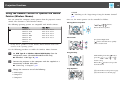
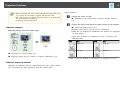
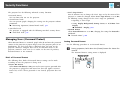
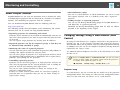
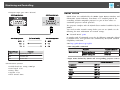
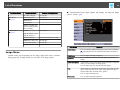
Whiteboard mode
You can project solid color backgrounds such as a
whiteboard and write or draw text and pictures. In
addition to the plain background, you can also choose
other background patterns such as lines and grid lines.
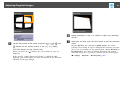
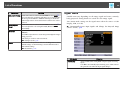
Annotation mode
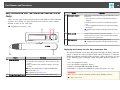
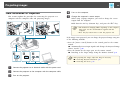
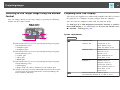
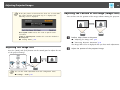
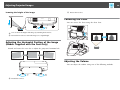
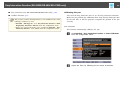
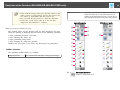
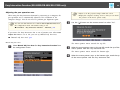
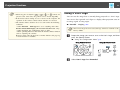
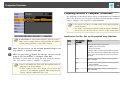
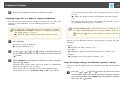
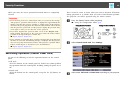
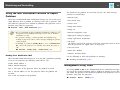
When you need to calibrate the pen
The position where you are drawing with the Easy Interactive Pen and
where the drawing is displayed may not match in the following situations.
• After performing Keystone correction.
• After adjusting the image size.
• After performing Image Shift.
• After changing the projector's position.
Calibrate the pen again if you notice any discrepancy in positioning.
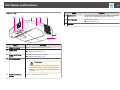
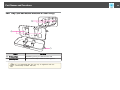
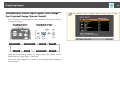
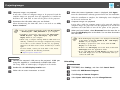
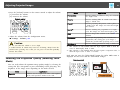
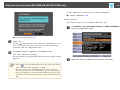
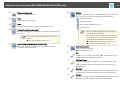
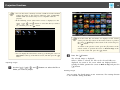
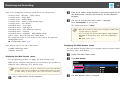
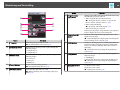
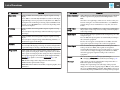
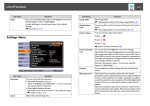
Toolbar functions
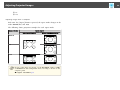
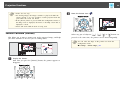
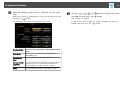
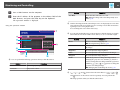
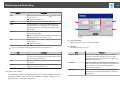
The following toolbar modes are available.
Annotation mode
You can draw lines and shapes on the projected image.
A
Annotation mode tab
Switches to Annotation mode.
Whiteboard mode