1
Projecting images
40
Automatically Detect Input Signals and Change
the Projected Image (Source Search)
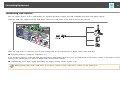
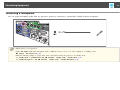
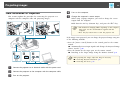
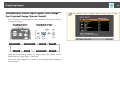
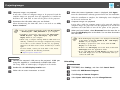
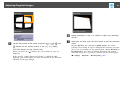
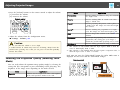
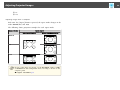
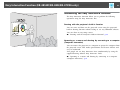
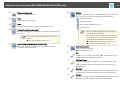
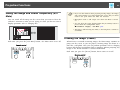
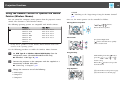
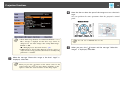
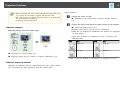
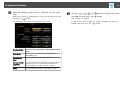
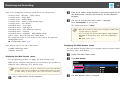
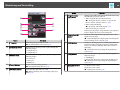
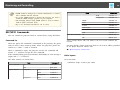
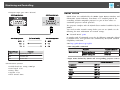
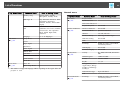
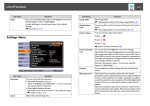
Press the [Source Search] button to project images from the port currently
receiving an image.
Using Remote Control
Computer1
LAN
Computer2
USB
Using the Control Panel
S-Video
Video
USB Display
HDMI
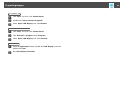
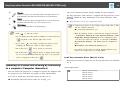
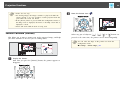
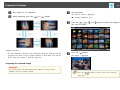
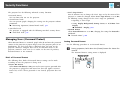
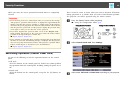
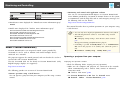
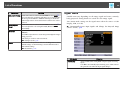
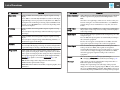
When two or more image sources are connected, press the [Source Search]
button until the target image is projected.
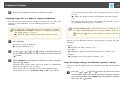
When your video equipment is connected, start playback before beginning
this operation.
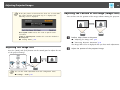
a
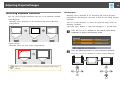
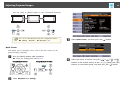
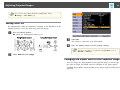
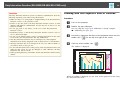
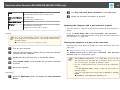
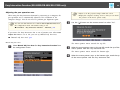
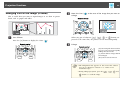
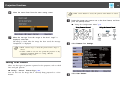
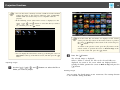
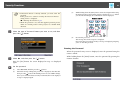
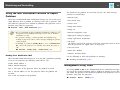
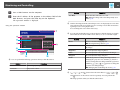
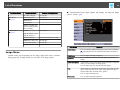
The following screen is displayed while no image signals are input.