1
Using Adaptec Storage Manager – Browser Edition
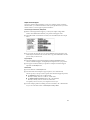
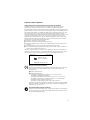
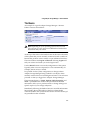
The main area of the Logical Devices view is used to display the
arrays on this controller. It defaults to a condensed view of toplevel arrays.
Note: The Options button allows you to display second-level
arrays if your controller supports them.
In this condensed view, the RAID level of each device as well as
whether it is protected by a hot spare, is visible.
If a global hot spare exists, all arrays that the hot spare is large
enough to protect will show as protected.
In the expanded view, the icons for the arrays are arranged
vertically and alongside them are the capacity, name, and type of
array.
Selecting an array by clicking on it will highlight the following in
amber:
■
All the drives or segments that form the array in the Physical
Devices view.
■
Any second-level arrays that form a top-level array in the
Logical Devices view.
■
The Events, Properties, and Tasks buttons in the header frame.
Selecting any of these three buttons displays a new window
with additional information and options specific to that array.
Creating an Array
Before you create an array, make sure that you understand the
different types of arrays supported by your controller, as described
in Appendix B, and the type of arrays that are most appropriate for
your application.
Click Create to open the Create Array wizard. This wizard offers
the following options:
■
Create arrays using default settings.
■
Expand the wizard by clicking Advanced to see additional
options and customize settings.
5-11