1
●
Basic Functions ●
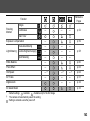
Selecting Menus and Settings
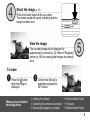
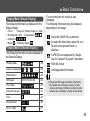
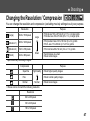
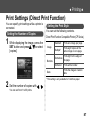
Use the menus as shown below to operate the
camera's basic settings used for shooting and
replaying. You can carry out the settings by
either using the FUNC. button or the MENU
button.
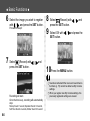
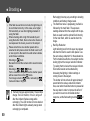
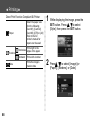
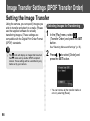
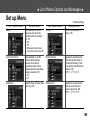
3 Press
wish to set.
to select the settings you
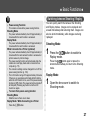
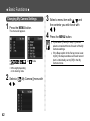
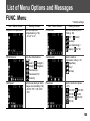
Settings with the FUNC. Button (shooting mode only)
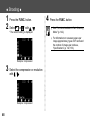
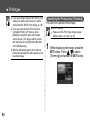
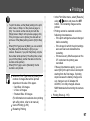
1 Press the FUNC. button.
4 Press the FUNC. button.
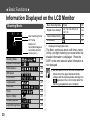
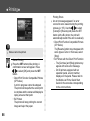
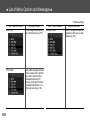
• Icons enabling you to change the settings will
appear on the left of the LCD monitor.
• The icons displayed indicate the current
settings.
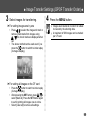
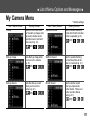
2 Press
The menu will close.
You can shoot with the selected
settings if you press the shutter button
immediately after step 3.
to select a menu item.
35