1
Chapter 7: General Configuration Using Local Management
NOTE
See the instructions included with the TELNET application for information about
establishing a TELNET session.
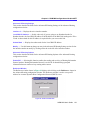
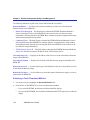
Using the Menu Screens
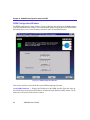
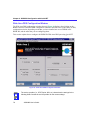
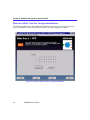
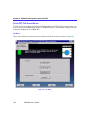
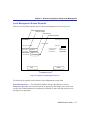
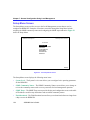
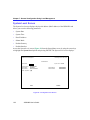
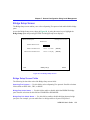
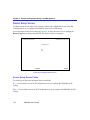
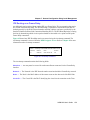
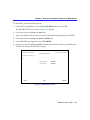
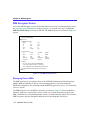
Once you have accessed the HSIM-W6 through a TELNET connection, the HSIM-W6 Password
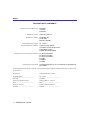
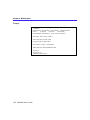
screen, shown in Figure 51, displays.
Local Management
CABLETRON Systems, Incorporated
P.O. Box 5005
Rochester, NH
(603)
03867-5005 USA
332-9400
(c) Copyright CABLETRON Systems, Inc. 19XX
Device Model Number:
Serial Number:
Functionality Level:
Flash Image Version:
BOOTPROM Version:
Board Revision:
XX.XX.XX
XX.XX.XX
Enter Password:
2012 01
Figure 51 The HSIM-W6 Password Screen
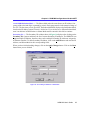
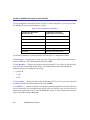
Type in your password and press ENTER. If you are performing an initial configuration, the
default super-user access password is preset to “public”.
NOTE
•
122
Your password is one of the community names specified in the SNMP Community
Names screen. Access to certain Local Management capabilities depends on the
degree of access accorded that community name. See the SNMP Community Names
section.
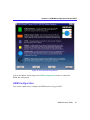
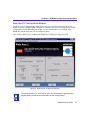
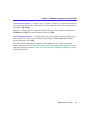
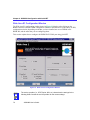
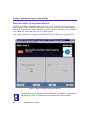
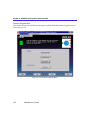
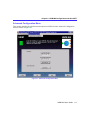
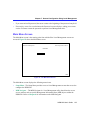
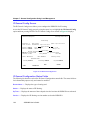
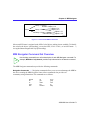
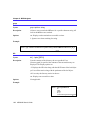
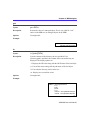
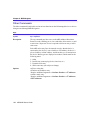
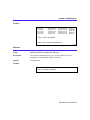
If you enter a valid password, the associated access level displays at the bottom of the screen
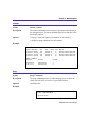
and the Main Menu screen, shown in Figure 52, displays.
HSIM-W6 User’s Guide