1
Establishing Workgroup Membership
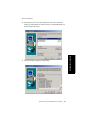
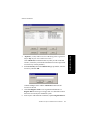
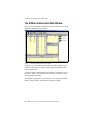
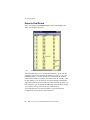
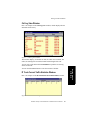
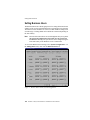
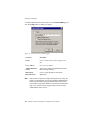
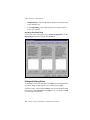
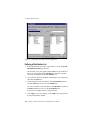
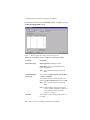
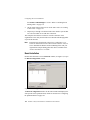
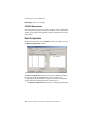
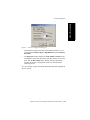
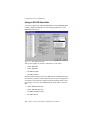
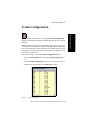
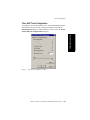
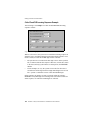
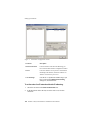
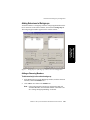
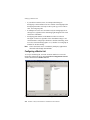
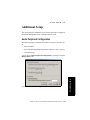
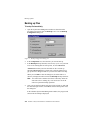
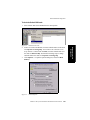
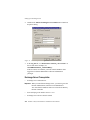
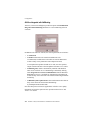
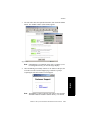
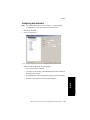
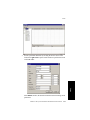
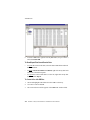
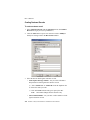
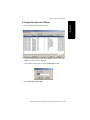
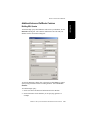
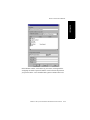
To open the Extension view of the Workgroup window:
1.
Select the Virtual or Physical extension number in the list of
extensions in the General window.
2.
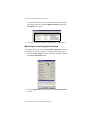
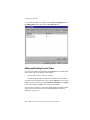
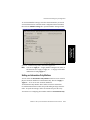
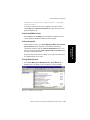
Click the Workgroup tab. The Extension view of the Workgroup
window opens, with the extension number appearing in the window
title bar.
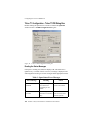
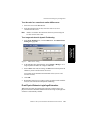
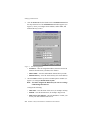
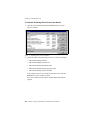
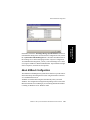
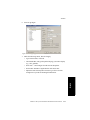
Figure 8.
Extension view of Workgroup window, Extension Configuration
Adding or Removing Workgroup Assignments
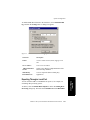
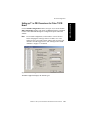
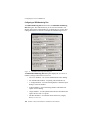
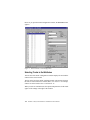
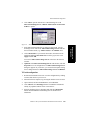
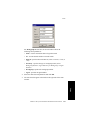
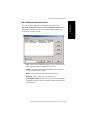
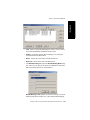
To assign workgroups to the selected physical or virtual extension:
1.
In the Extension view of the Workgroup window, click the Workgroup
pilot number(s) in the Not Member list.
2.
Click the Add button to move them to the Member list.
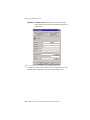
Note: If the workgroup pilot extension is configured to Ring All
Available Members, the maximum number of members is 20.
See “Setting Workgroup Handling” for details.
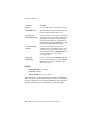
208 AltiWare OE System Installation & Administration Manual