1
Telephone Operation
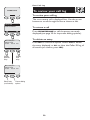
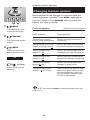
Display menu.
Handset screen images
1 Intercom
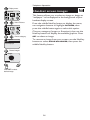
This feature allows you to select an image or design as
“wallpaper” to be displayed in the background of your
handset display screen.
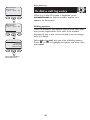
Select Pictures.
1 Pictures
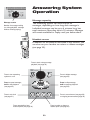
Choose category.
1 Pictures
Images
Emotions
Clear Wallpaper
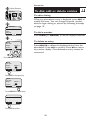
Press the middle NavKey button to display the menu,
use navigation buttons to highlight PICTURES, then
press the middle button again to select this option.
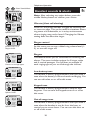
Choose a category (Images or Emotions), then use the
NavKey buttons to display the available graphics. Press
SET to select an image.
To remove an image from your screen, use the NavKey
buttons to select CLEAR WALLPAPER, then press the
middle NavKey button.
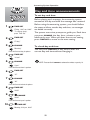
Browse images.
1 Images
SET
1 of 16
Press SET to select
desired image.
14