1
2
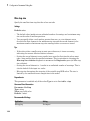
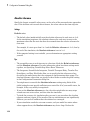
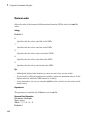
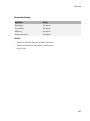
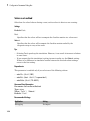
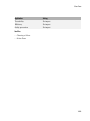
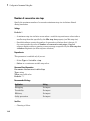
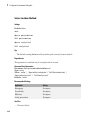
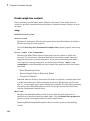
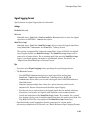
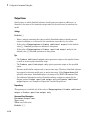
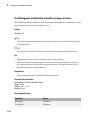
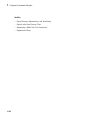
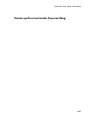
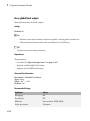
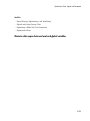
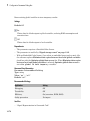
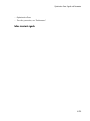
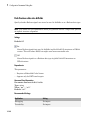
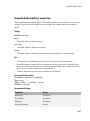
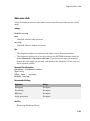
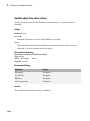
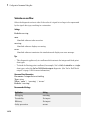
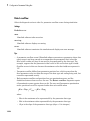
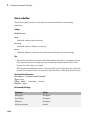
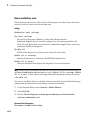
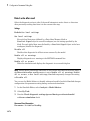
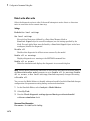
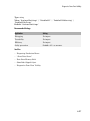
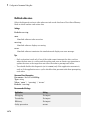
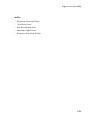
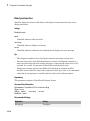
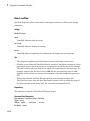
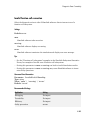
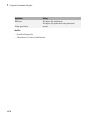
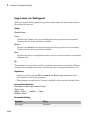
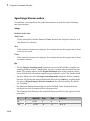
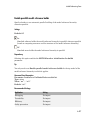
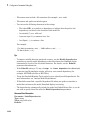
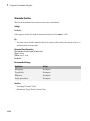
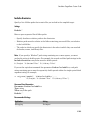
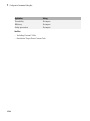
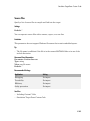
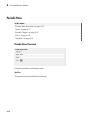
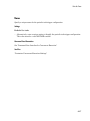
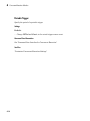
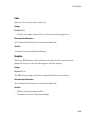
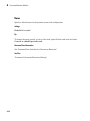
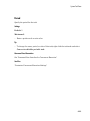
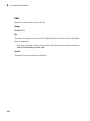
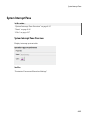
Library Browser
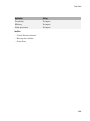
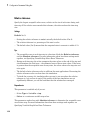
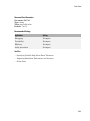
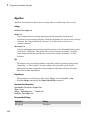
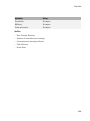
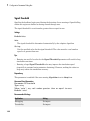
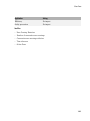
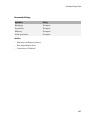
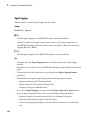
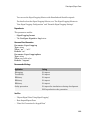
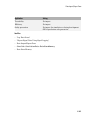
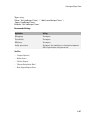
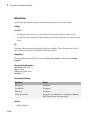
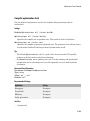
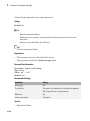
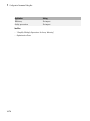
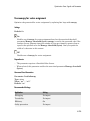
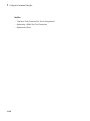
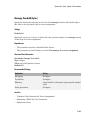
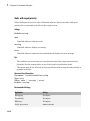
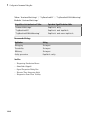
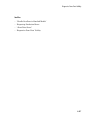
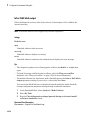
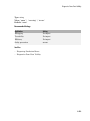
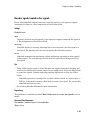
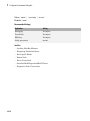
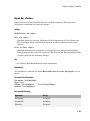
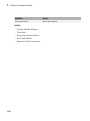
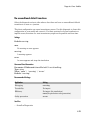
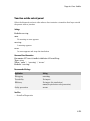
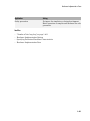
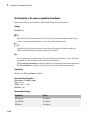
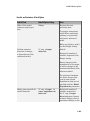
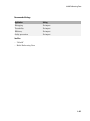
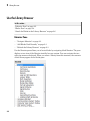
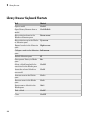
Library Browser Keyboard Shortcuts
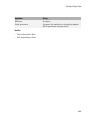
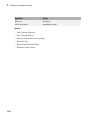
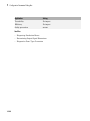
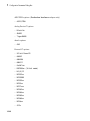
Task
Shortcut
Open a model
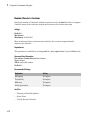
Ctrl+O
Open Library Browser from a
model
Ctrl+Shift+L
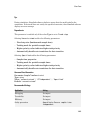
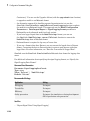
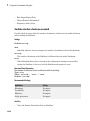
Move selection down in the
Blocks or Libraries pane
Down arrow
Move selection up in the Blocks
or Libraries pane
Up arrow
Expand a node in the Libraries
pane
Right arrow
Collapse a node in the Libraries Left arrow
pane
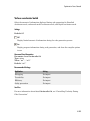
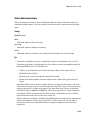
2-8
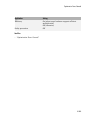
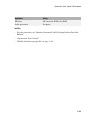
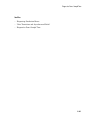
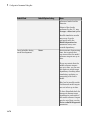
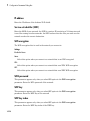
Refresh Libraries pane
F5
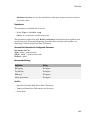
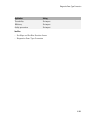
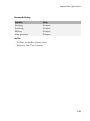
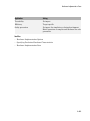
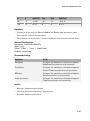
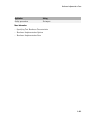
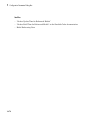
Show parent library in Blocks
pane
Esc
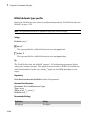
Select a block found with the
search tool in the Blocks pane
Ctrl+R
Insert the selected block in a
new model
Ctrl+I
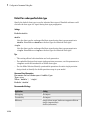
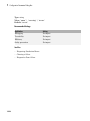
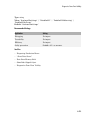
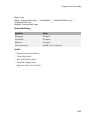
Increase zoom in the Blocks
pane
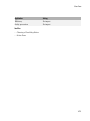
Ctrl++
Decrease zoom in the Blocks
pane
Ctrl+-
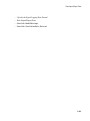
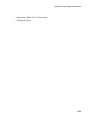
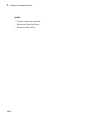
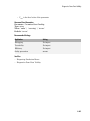
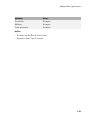
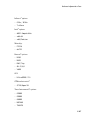
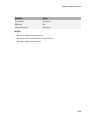
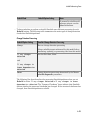
Reset zoom to default in the
Blocks pane
Alt+1
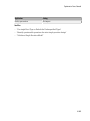
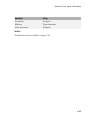
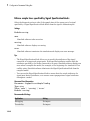
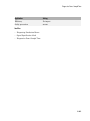
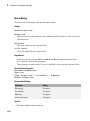
Find a block
Ctrl+F
Close
Ctrl+W