1
4
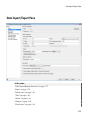
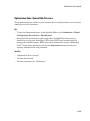
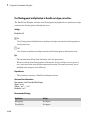
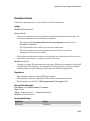
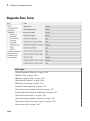
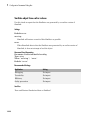
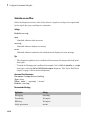
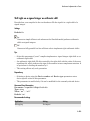
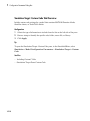
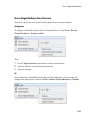
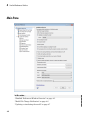
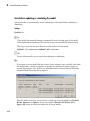
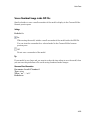
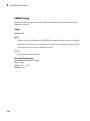
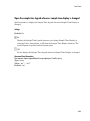
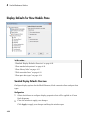
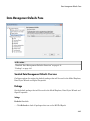
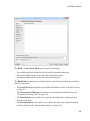
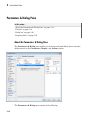
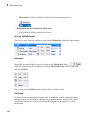
Simulink Preferences Window
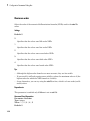
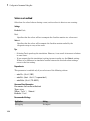
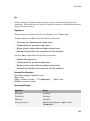
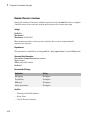
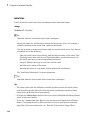
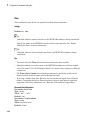
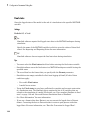
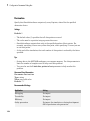
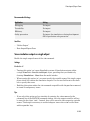
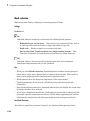
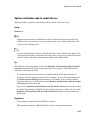
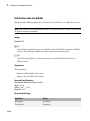
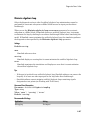
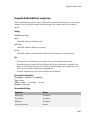
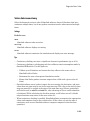
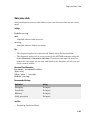
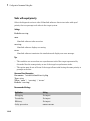
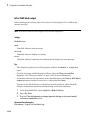
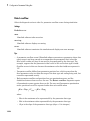
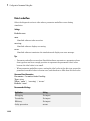
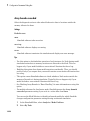
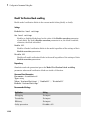
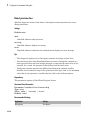
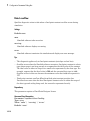
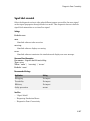
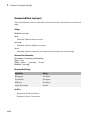
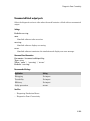
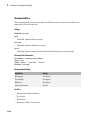
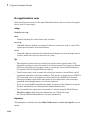
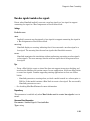
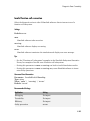
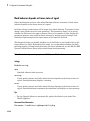
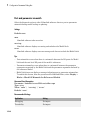
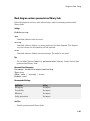
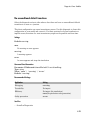
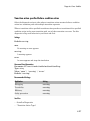
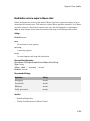
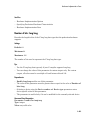
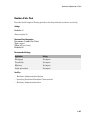
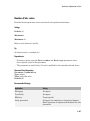
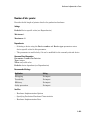
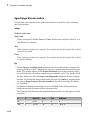
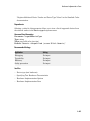
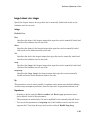
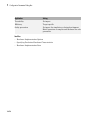
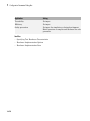
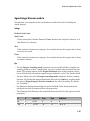
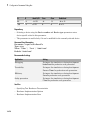
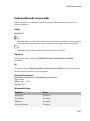
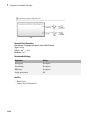
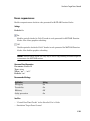
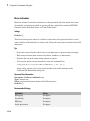
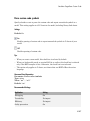
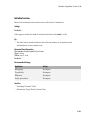
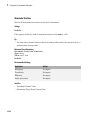
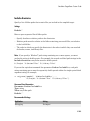
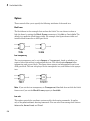
Action
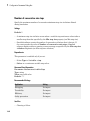
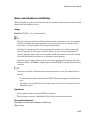
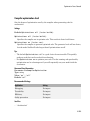
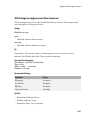
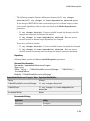
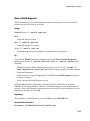
Select what action to take if the file has changed on disk since it was loaded.
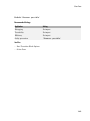
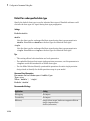
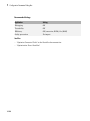
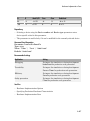
Settings
Default: Warning
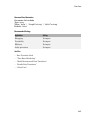
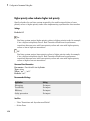
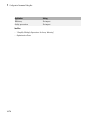
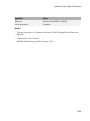
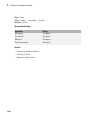
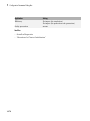
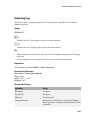
Warning
Displays a warning in MATLAB command window
Error
Displays an error, at the MATLAB command window if simulating from the
command line, or if simulating from a menu item, in the Simulation Diagnostics
window.
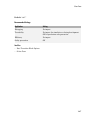
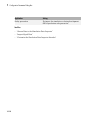
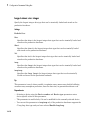
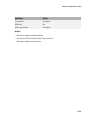
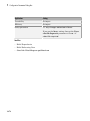
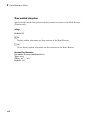
Reload model (if unmodified)
Reloads if the model is unmodified. If the model is modified, you see the prompt
dialog.
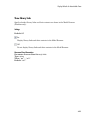
Show prompt dialog
Shows prompt dialog. In the dialog, you can choose to close and reload, or ignore the
changes.
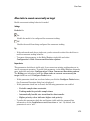
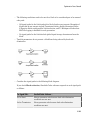
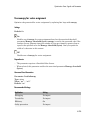
Tip
To programmatically check whether the model has changed on disk since it was loaded,
use the function slIsFileChangedOnDisk.
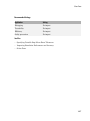
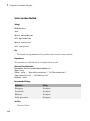
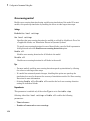
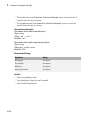
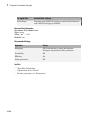
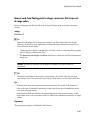
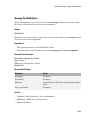
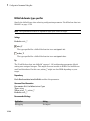
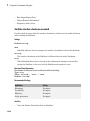
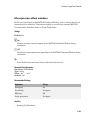
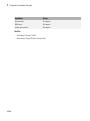
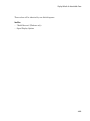
Dependencies
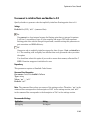
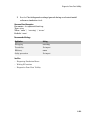
This parameter is enabled by the parameter Updating or simulating the model.
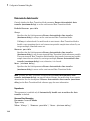
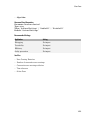
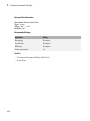
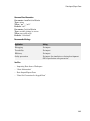
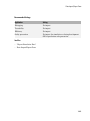
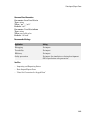
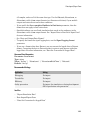
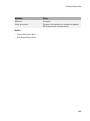
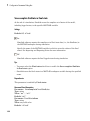
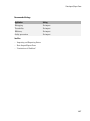
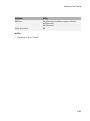
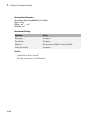
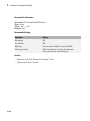
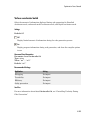
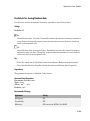
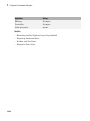
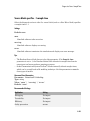
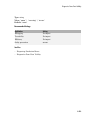
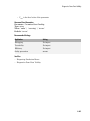
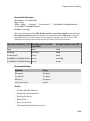
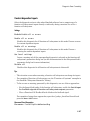
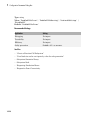
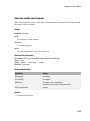
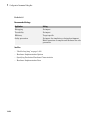
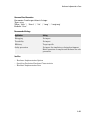
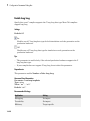
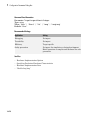
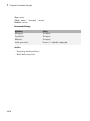
Command-Line Information
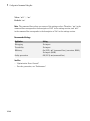
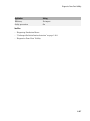
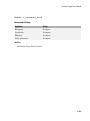
Parameter: MdlFileChangedOnDiskHandling
Type: string
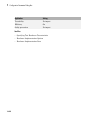
Value: 'Warning' | 'Error' | 'Reload model (if unmodified)' | 'Show
prompt dialog'
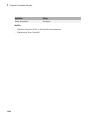
Default: 'Warning'
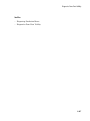
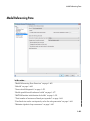
See Also
Model File Change Notification
4-8