1
CHAPTER 5 TROUBLESHOOTING IMAGE FAULTS/MALFUNCTIONS
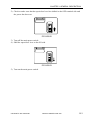
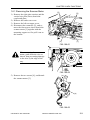
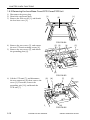
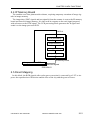
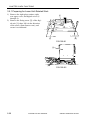
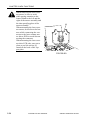
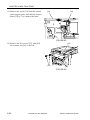
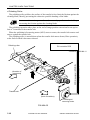
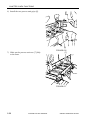
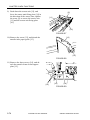
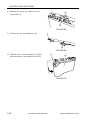
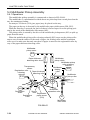
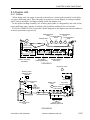
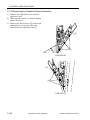
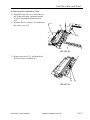
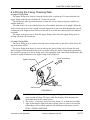
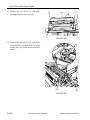
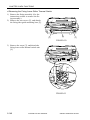
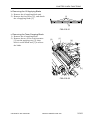
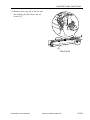
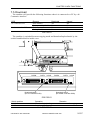
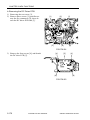
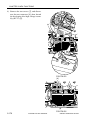
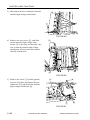
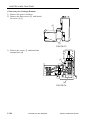
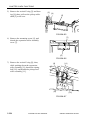
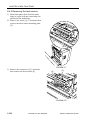
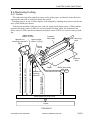
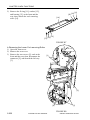
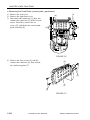
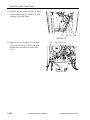
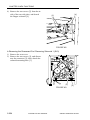
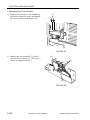
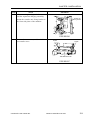
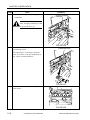
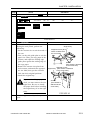
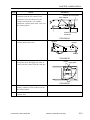
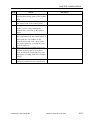
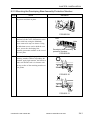
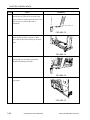
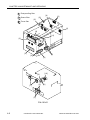
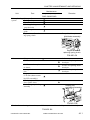
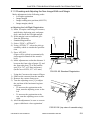
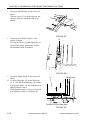
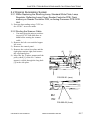
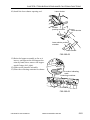
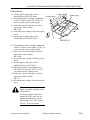
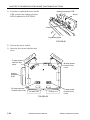
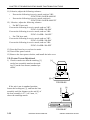
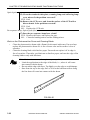
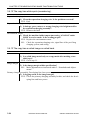
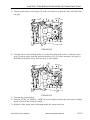
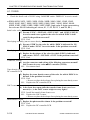
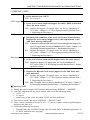
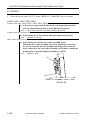
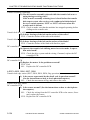
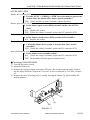
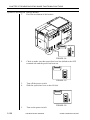
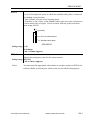
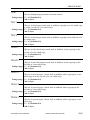
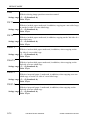
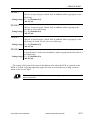
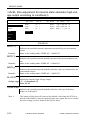
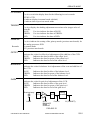
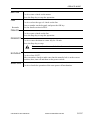
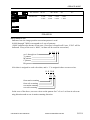
3) Tap the waste toner vertical pipe [2] with a screwdriver so that the toner will fall from
the pipe.
[2]
F05-401-02
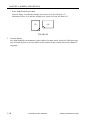
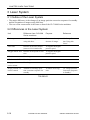
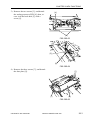
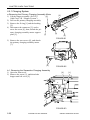
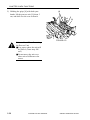
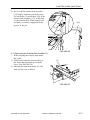
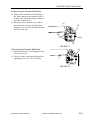
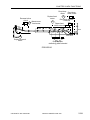
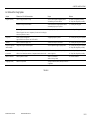
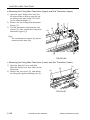
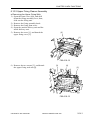
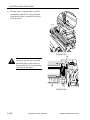
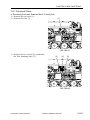
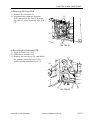
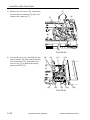
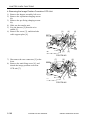
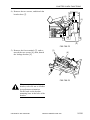
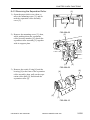
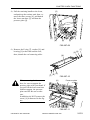
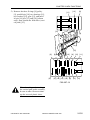
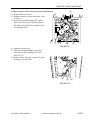
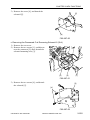
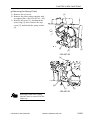
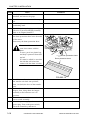
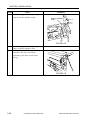
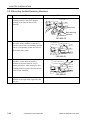
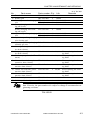
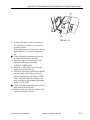
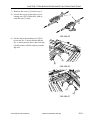
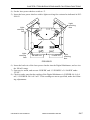
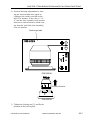
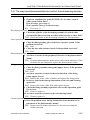
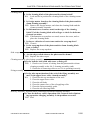
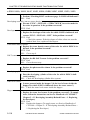
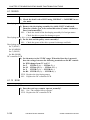
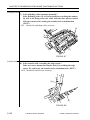
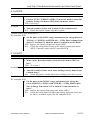
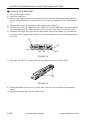
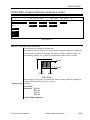
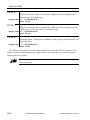
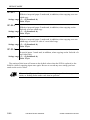
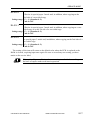
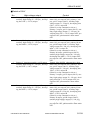
4) Turn the waste toner feeding motor [3] in the direction of the arrow so that the screw
gear [5] moves away from the microswitch lever [4]. (If it does not move, the pipe is
still filled with waste toner. Perform step 3) once again.)
[4]
[5]
[3]
F05-401-03
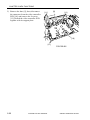
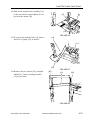
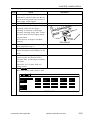
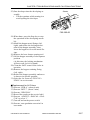
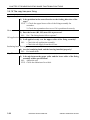
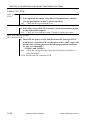
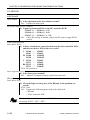
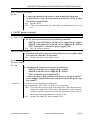
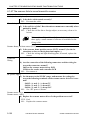
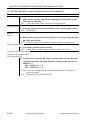
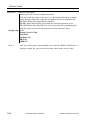
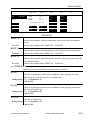
5) Turn on the power switch.
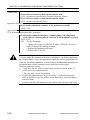
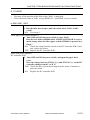
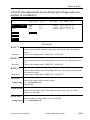
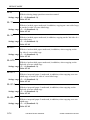
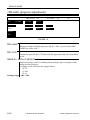
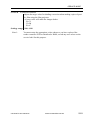
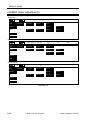
6) Execute ‘FUNC > F-MISCp > MTR’ in service mode to rotate the waste toner feeding
motor. Check if the rotation is stable.
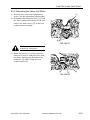
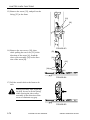
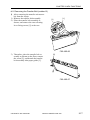
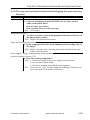
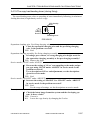
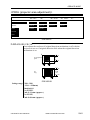
7) Dispose of the waste toner collecting inside the waste toner box.
COPYRIGHT © 2001 CANON INC. 2000 2000 2000 2000 CANON CLC5000 REV.0 JAN. 2001
5-113