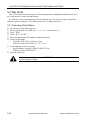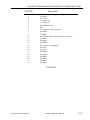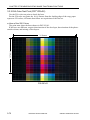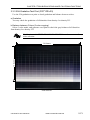
1
CHAPTER 5 TROUBLESHOOTING IMAGE FAULTS/MALFUNCTIONS
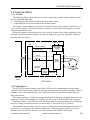
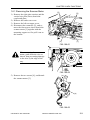
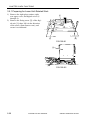
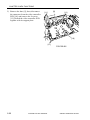
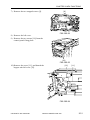
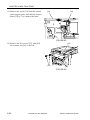
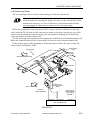
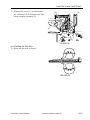
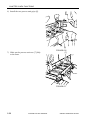
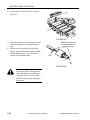
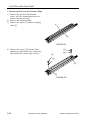
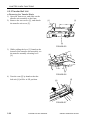
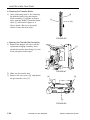
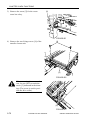
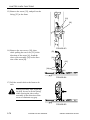
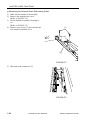
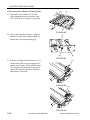
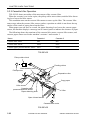
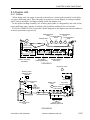
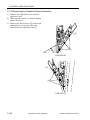
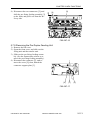
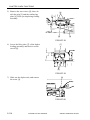
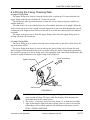
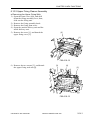
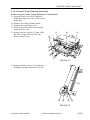
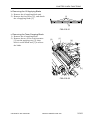
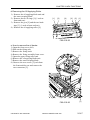
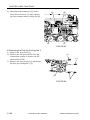
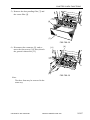
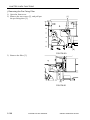
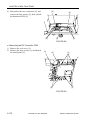
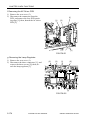
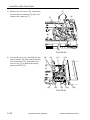
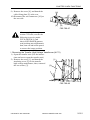
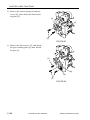
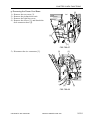
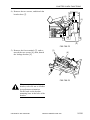
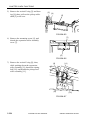
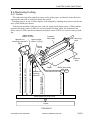
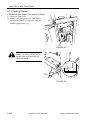
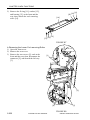
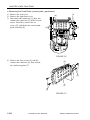
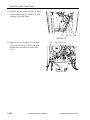
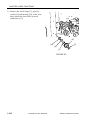
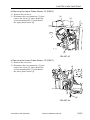
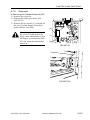
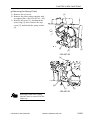
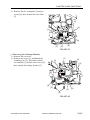
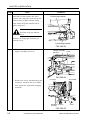
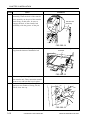
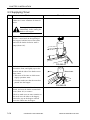
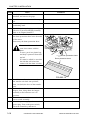
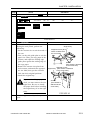
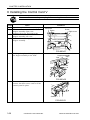
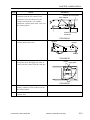
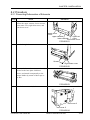
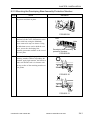
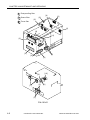
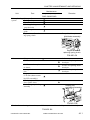
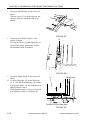
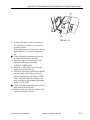
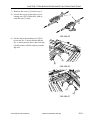
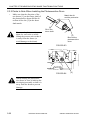
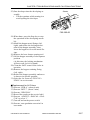
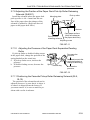
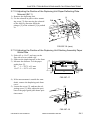
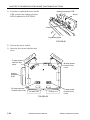
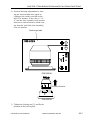
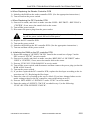
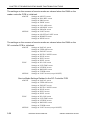
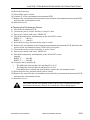
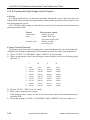
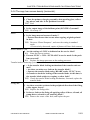
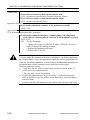
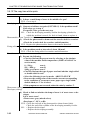
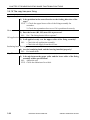
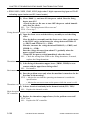
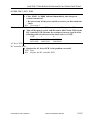
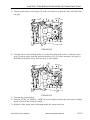
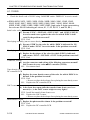
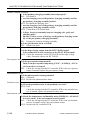
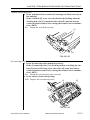
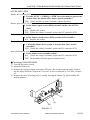
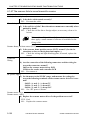
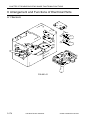
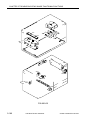
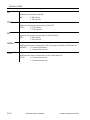
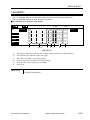
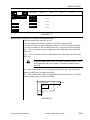
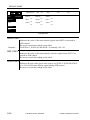
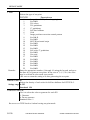
5) Fit a binding screw (M4 × 8mm) [3] to
the pulley shaft [4] to fix the front and
rear of the pulley temporarily to the side
plate [5], thereby temporarily fixing the
No. 2 mirror mount in place.
[3]
[4]
[5]
[5]
[4]
[3]
F05-202-03
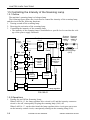
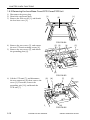
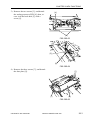
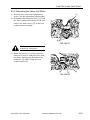
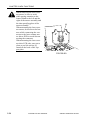
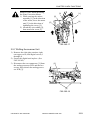
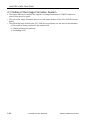
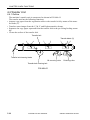
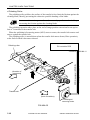
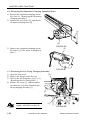
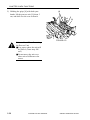
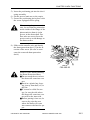
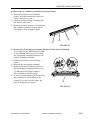
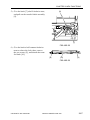
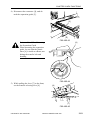
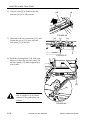
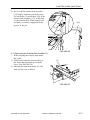
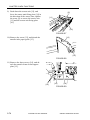
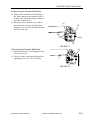
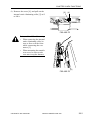
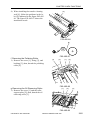
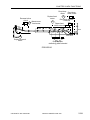
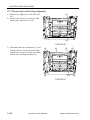
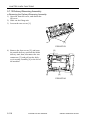
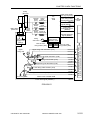
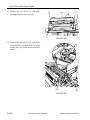
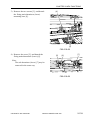
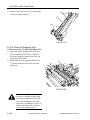
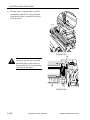
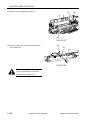
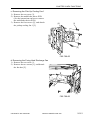
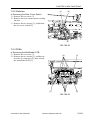
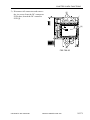
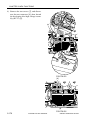
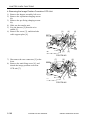
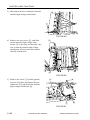
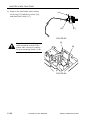
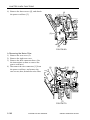
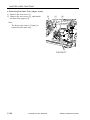
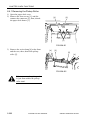
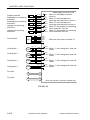
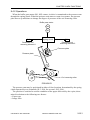
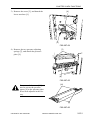
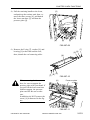
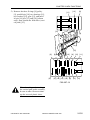
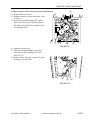
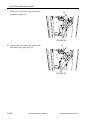
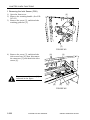
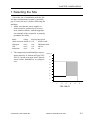
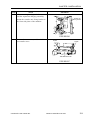
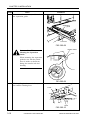
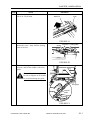
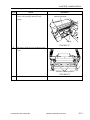
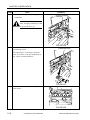
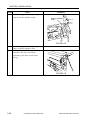
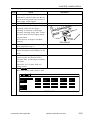
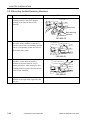
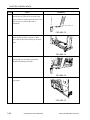
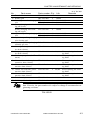
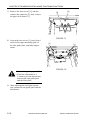
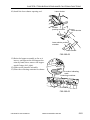
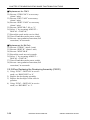
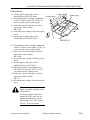
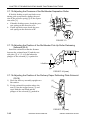
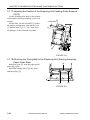
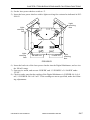
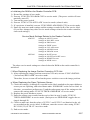
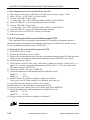
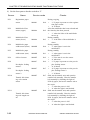
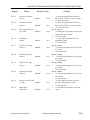
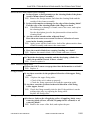
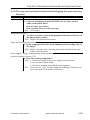
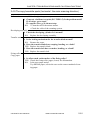
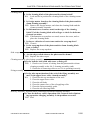
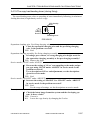
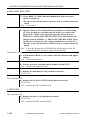
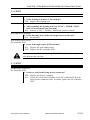
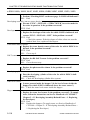
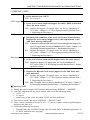
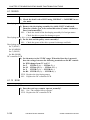
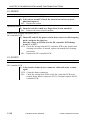
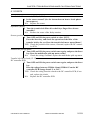
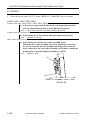
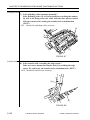
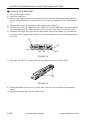
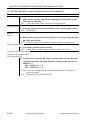
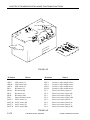
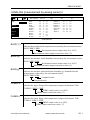
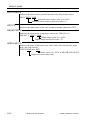
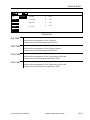
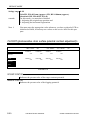
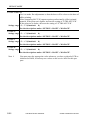
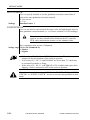
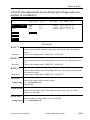
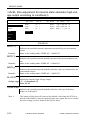
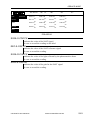
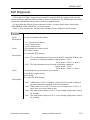
6) Fit the scanner cable on the pulley and
the hook as indicated in F05-202-04.
1
2
3
5,7
[6]
4
6
[6]
F05-202-04
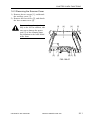
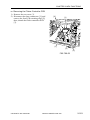
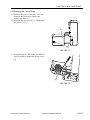
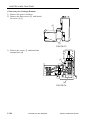
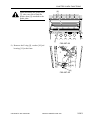
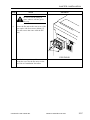
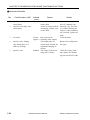
• Take care not to damage the
wire by the edge of the metal
plate.
• Be sure to keep the four
screws [6] loose during the
work.
5-18
COPYRIGHT © 2001 CANON INC. 2000 2000 2000 2000 CANON CLC5000 REV.0 JAN. 2001