1
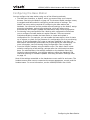
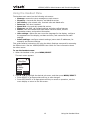
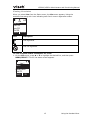
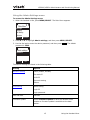
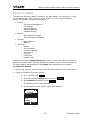
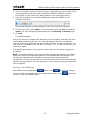
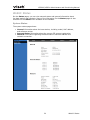
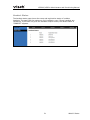
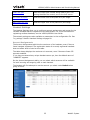
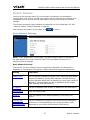
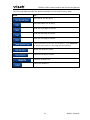
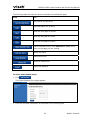
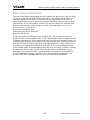
VSP600/VSP601 Administrator and Provisioning Manual Using the WebUI The Web User Interface (WebUI) resides on the base station. You can access it using an Internet browser. After you log in to the WebUI, you can configure the base station and handsets on the following pages: System o SIP Account Management o Call settings o User Preferences o Signaling Settings o Handset Settings Network o Basic Network Settings o Advanced Network Settings Contacts o Base Directory o Blacklist Servicing o Reboot o Time and Date o Firmware Upgrade o Provisioning o Security o Certificates o System Logs The WebUI also has a System Status page, where you can view network status and general information about the base station and handsets. Some of the information on the status page is also available on the Status menu available on the handset. To access the WebUI: 1. Ensure that your computer is connected to the same network as the base station. 2. Find the IP address of the base station: a. On a handset, press MENU. b. Press to highlight Status, and then press SELECT. c. With Network highlighted, press SELECT. The Network status screen appears. d. On the Network status screen, note the IP Address. Network IP Address: 10.88.51.133 DHCP: Enabled BACK OK 18 Using the WebUI