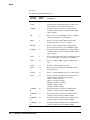
1
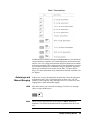
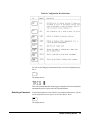
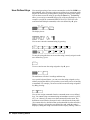
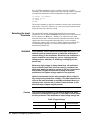
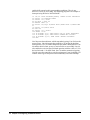
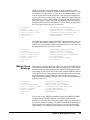
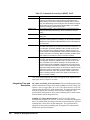
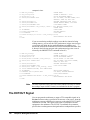
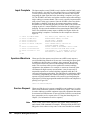
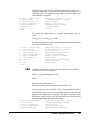
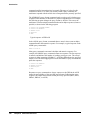
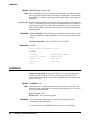
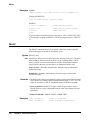
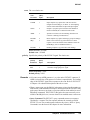
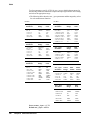
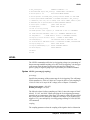
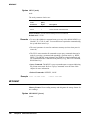
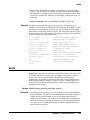
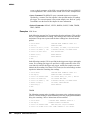
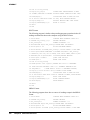
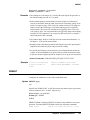
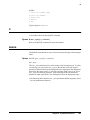
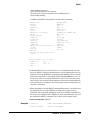
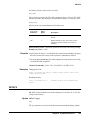
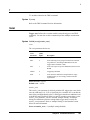
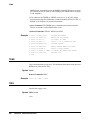
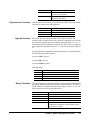
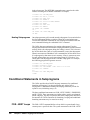
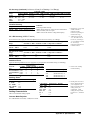
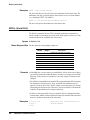
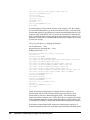
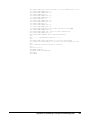
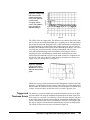
Press:
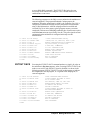
The display shows:
When using the up or down arrow keys, if you step past the last parameter
choice, a wraparound occurs to the other end of the menu. Suppose you want
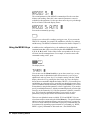
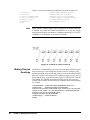
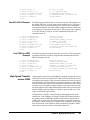
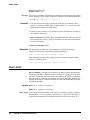
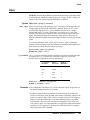
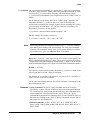
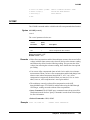
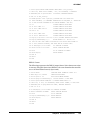
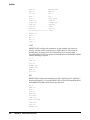
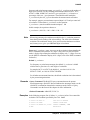
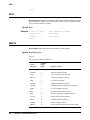
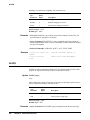
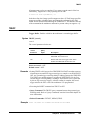
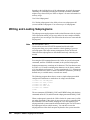
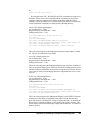
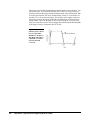
to suspend triggering. Press the up or down arrow key until the display shows:
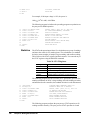
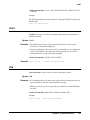
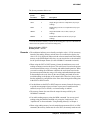
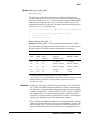
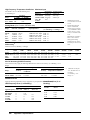
Press:
Enter
You have now changed the trigger event from auto (power-on state) to HOLD
which causes the multimeter to stop taking readings. (Triggering is discussed
in detail in Chapter 4.)
Default Values
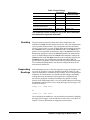
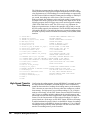
Most parameters have a default value. A default value is the value selected
when you execute a command but do not specify a value. For example, the
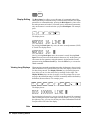
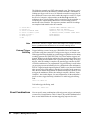
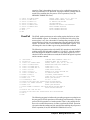
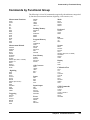
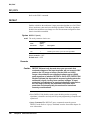
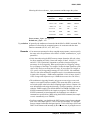
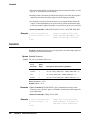
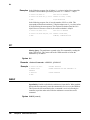
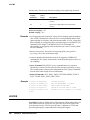
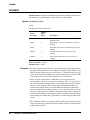
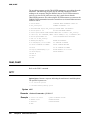
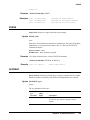
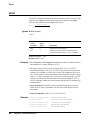
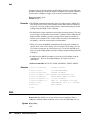
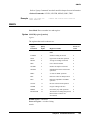
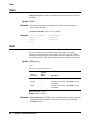
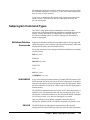
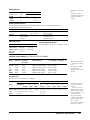
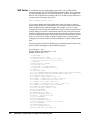
default value for the trigger parameter is SGL. Press:
Trig
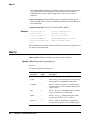
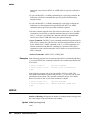
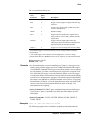
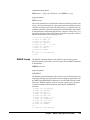
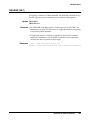
Press:
Enter
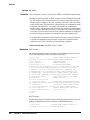
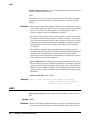
Notice that the multimeter takes one reading and then stops (after the single
trigger, the trigger event becomes HOLD regardless of the previously
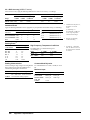
specified trigger event). You can also enter-1 to select the default value.
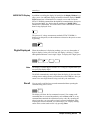
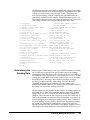
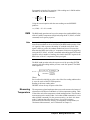
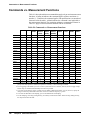
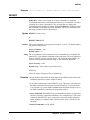
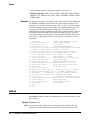
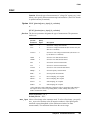
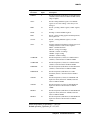
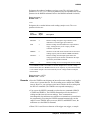
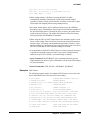
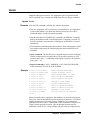
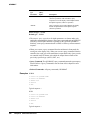
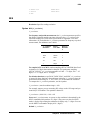
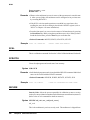
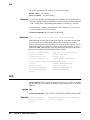
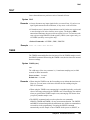
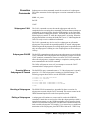
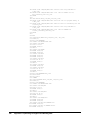
Press:
Enter
_
1
Enter
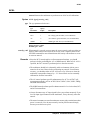
The multimeter again takes a single reading and then stops.
Numeric Parameters
34
Chapter 2 Getting Started
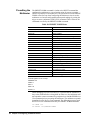
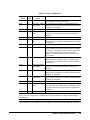
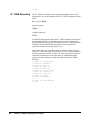
Some commands use numeric parameters, A numeric parameter is the actual
value used by the multimeter. We will use the NPLC configuration key to