1
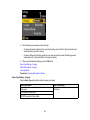
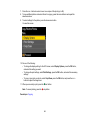
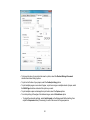
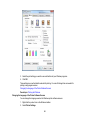
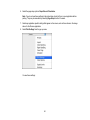
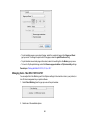
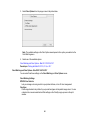
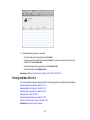
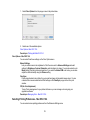
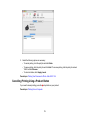
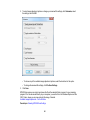
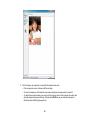
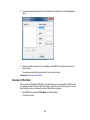
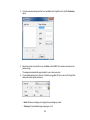
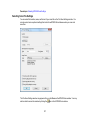
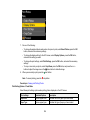
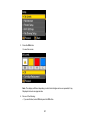
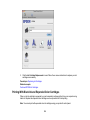
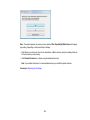
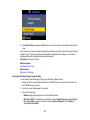
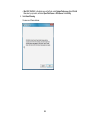
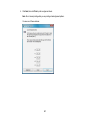
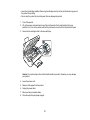
5. Click Start to begin the cleaning cycle.
The power light flashes throughout the cleaning cycle and stays on when the cleaning cycle is
finished.
Caution: Never turn off the product during a cleaning cycle or you may damage it.
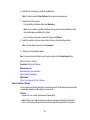
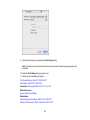
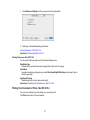
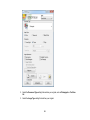
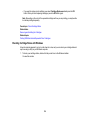
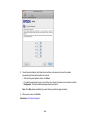
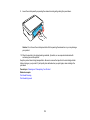
6. When the power light stops flashing and remains on, you can check to see if the nozzles are
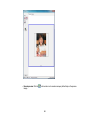
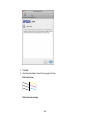
clean; click Print Nozzle Check Pattern and click Print.
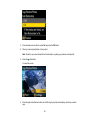
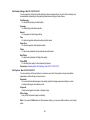
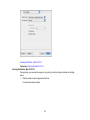
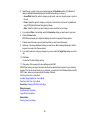
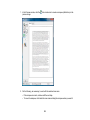
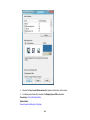
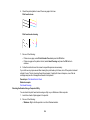
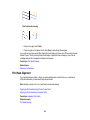
7. Check the printed pattern to see if there are gaps in the lines.
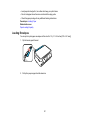
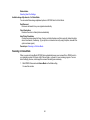
Print head is clean
163